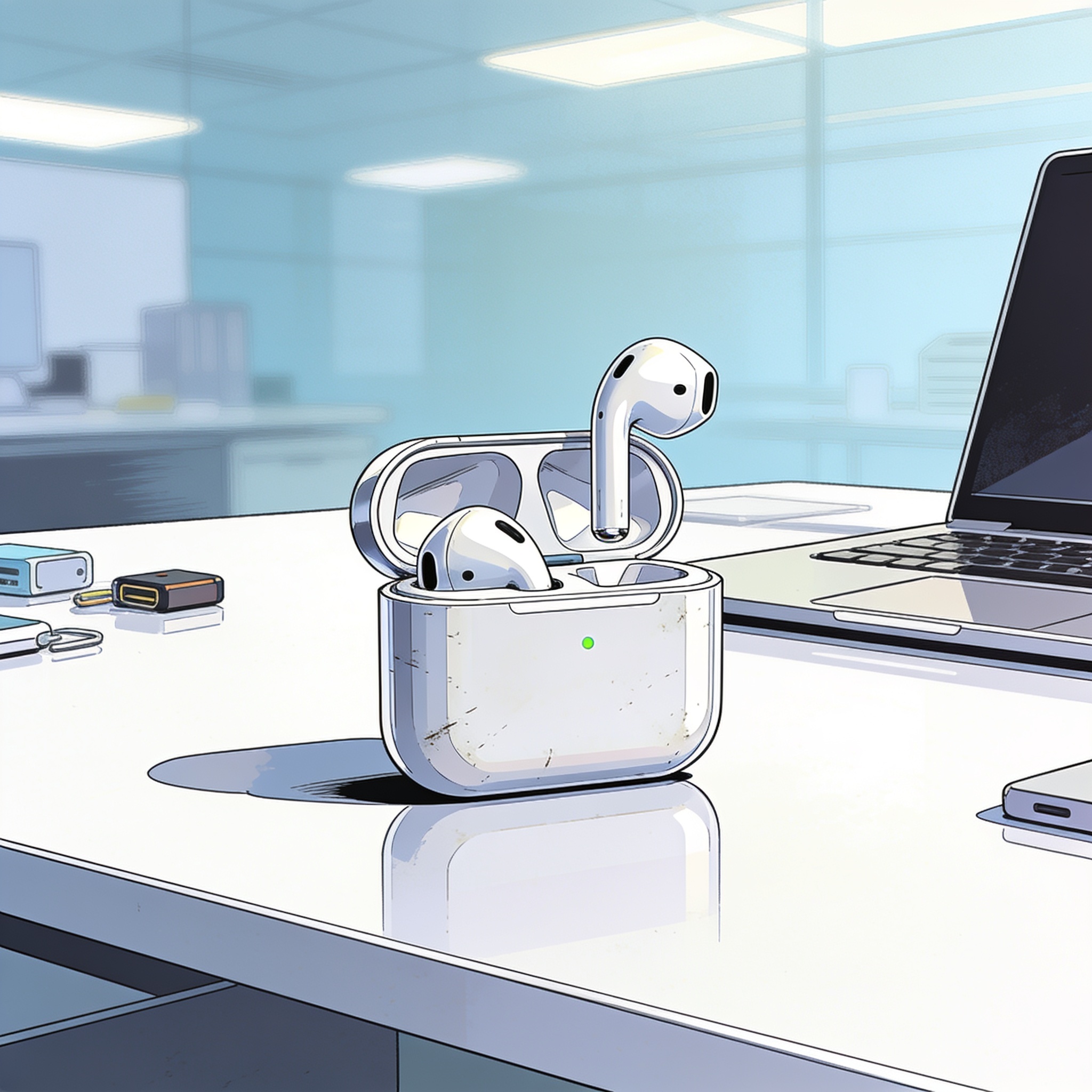
AirPods battery life degrades over time as lithium‑ion cells accumulate charge cycles, typically around 300 to 500 cycles before noticeable capacity loss. Model-specific ratings vary; for example, AirPods 4 with ANC are rated about four hours with ANC on and five hours with it off. Regularly returning the buds to their case when not in use helps preserve charge, since each earbud continues to draw power while connected or searching for a device. The charging case itself also loses capacity over many cycles.
Before adjusting settings, ensure the buds are charging properly. Dust or earwax can block contact points, preventing charging even when placed in the case. Check the charge levels on your iPhone to see if the contacts are blocked and uneven across buds.
Keep AirPods clean with lint-free cloths and avoid aggressive cleaning. Apple allows wiping the case with a cloth lightly dampened with isopropyl alcohol, but avoid ports and ensure drying before charging. A soft-bristled toothbrush with micellar water, followed by a rinse with distilled water, is recommended for mesh areas.
If battery life is still insufficient, a reset can help. Put AirPods in the case, go to Settings > Bluetooth > More Info > Forget This Device, then follow model-specific instructions to reconnect and reassess performance.
Older batteries naturally hold less charge; 100% capacity on the first cycle does not guarantee the same performance after hundreds of cycles. If you need to eke out more time, consider turning off features like Spatial Audio or ANC when they are not needed. Optimized Battery Charging can help future charging efficiency by learning your routine. Open the AirPods settings on your iPhone and enable Optimized Battery Charging and related notifications if available. If all else fails, AppleCare+ offers battery service at no extra charge when capacity falls below 80%.




Leave a comment
Your comment appears after you verify your email. We replace % $ { } [ ] < > with periods and display the text safely.
Published comments (0)
No comments yet. Start the conversation.