Samsung’s Galaxy devices run One UI, a skin on Android 17, with several features touted as exclusive to Samsung. Multi Control lets a mouse and keyboard be shared across Galaxy devices and a Windows PC, enabling input and drag-and-drop between connected devices without a PC middleman. Separate App Sound enables routing specific apps to chosen outputs so audio from apps like TikTok won’t interrupt music elsewhere. Music Share allows other devices to connect to a Galaxy phone’s Bluetooth connection and stream audio through a shared speaker, with default restrictions and adjustable timeouts. Good Lock is a customization suite offering plugins that add options to the home screen, camera app, multitasking and more, though it’s described as expansive and sometimes unclear. Auto Blocker adds security layers to prevent untrusted app installations, block USB commands, and protect against malware delivered through messaging apps, with a Maximum Restrictions submenu for stricter controls. The article notes these features were tested on devices running One UI 9 and 8.5, and that some features are also available on One UI 8 for older devices.
Samsung One UI features you won’t get on other Android phones
Exclusive One UI 9 features include Multi Control, Music Share, Separate App Sound, Good Lock, Auto Blocker and more
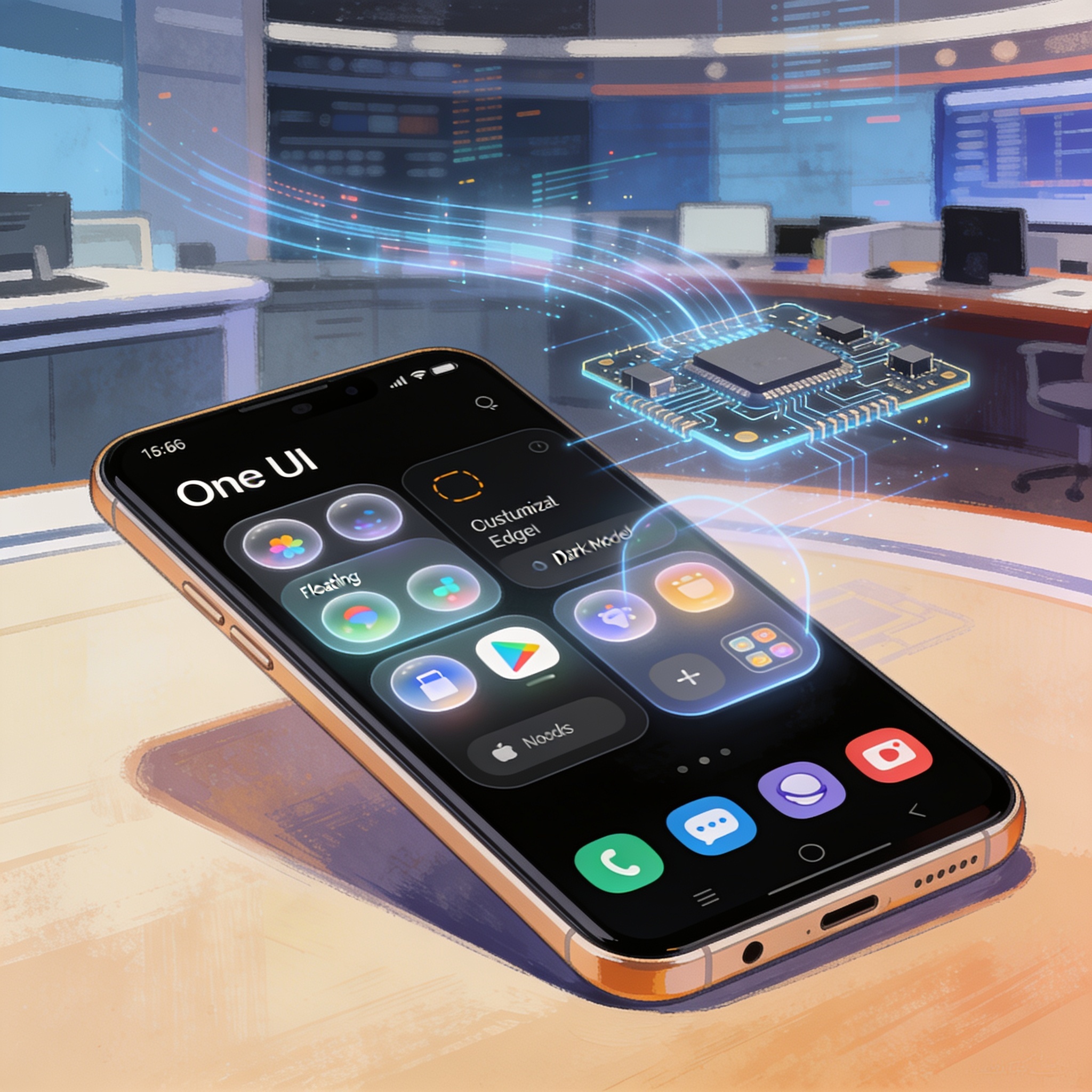
Engadget reviews Samsung’s One UI 9, highlighting exclusive features that integrate across devices, enhance audio control, and bolster security. The article notes these features are available on One UI 8 as well and discusses setup and usage without attributing claims beyond the feature descriptions.
Share this story



Leave a comment
Your comment appears after you verify your email. We replace % $ { } [ ] < > with periods and display the text safely.
Published comments (0)
No comments yet. Start the conversation.