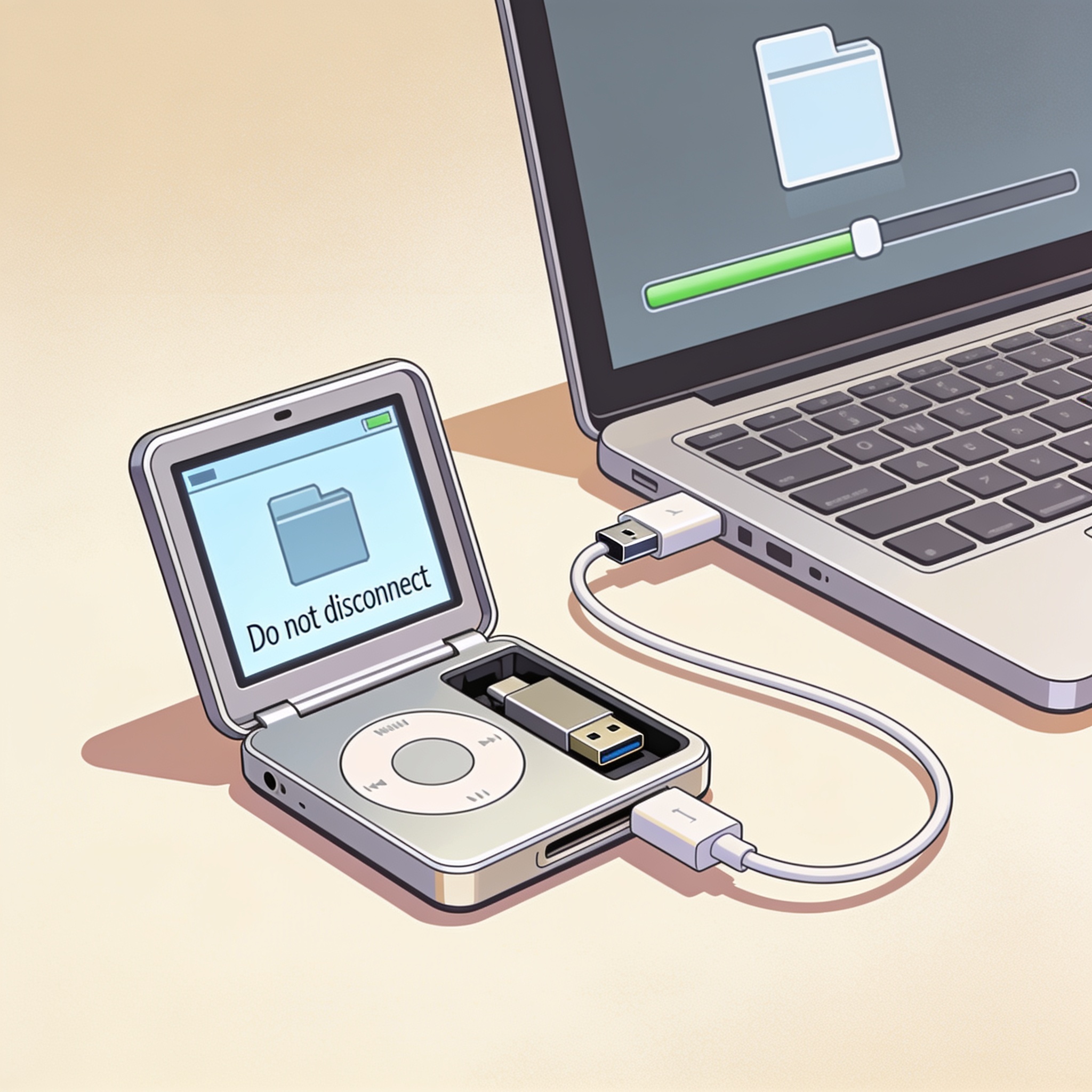
Apple has confirmed that older iPod models without iOS can serve as functional USB flash drives through a built-in feature called Disk Use. This capability allows owners of these legacy devices to store files and transfer them between computers, offering a second life for hardware that might otherwise sit unused in drawers.
The feature works by enabling Disk Use in the device settings, which makes the iPod appear in Finder on Mac or File Explorer on Windows like any standard external drive. Users can drag files onto the device just as they would with a conventional USB stick. However, this functionality applies only to iPods with a Click Wheel and the seventh-generation iPod nano with a touchscreen. Devices running iOS, such as the iPod touch, do not support this mode.
Practical considerations for reuse
While repurposing an old iPod as a storage device is possible, several technical limitations exist. Most older iPods offer less than 20GB of storage, significantly less than the 32GB capacity available in budget USB flash drives that cost around $10. Additionally, all affected models operate at USB 2 speeds, making them unsuitable for transferring large files efficiently.
File system compatibility presents another hurdle. An iPod configured on a Mac typically uses HFS+, which Windows cannot read without third-party software. For broader compatibility across platforms including smart TVs, users should restore the device using a Windows PC to format it as FAT32. This approach allows Macs and other systems to access the files, though FAT32 imposes a 4GB limit per individual file. Restoring the device erases all existing content, so data backup is essential before proceeding.
Users must also account for physical connectivity issues. The 30-pin cable required to connect these devices is no longer manufactured and may be difficult to locate. Without the correct cable, the iPod cannot function as an external drive regardless of software configuration.
What it means
This discovery affects collectors and hobbyists who own legacy Apple hardware but have moved away from portable music players. It provides a method to extract value from devices that might otherwise become e-waste, allowing them to participate in basic file transfer tasks despite their age.
For most users, however, the practical benefits are minimal. Modern USB flash drives offer superior speed, larger capacities, and contemporary connectors at comparable prices. The effort required to find obsolete cables and configure file systems outweighs the utility gained for typical storage needs.
Uncertainty remains regarding long-term reliability of aging hardware used in this manner. Battery degradation in older lithium-ion cells could affect performance during extended use, though the article does not specify whether battery status impacts Disk Use functionality.
Would you attempt to repurpose an old iPod as a flash drive, or do you prefer investing in modern storage solutions?