Microsoft Teams includes several features beyond basic chats and calls. A countdown timer for meetings can help keep sessions on schedule; it appears in the top left corner when a meeting has more than one presenter and can be set up to 100 minutes. The timer is visible to participants with presenter capabilities and can be adjusted or canceled, though it does not apply to live events, webinars, or spontaneous calls. Voice isolation uses AI to reduce background noise; users must create a voice profile and can toggle the feature on or off during a call. Live transcription provides near real-time transcripts and can be used after meetings as well; it differentiates between speakers and does not store data or use it to train AI models, depending on admin settings. Finally, drafts have become easier to locate: since March 2026, unsent messages are accessible from the left panel of the Teams chat, where users can resume, discard, or navigate back to the original conversation.
Four key Microsoft Teams features users should know
From live transcription to easier access to unsent drafts, Teams now offers several built-in tools to streamline collaboration.
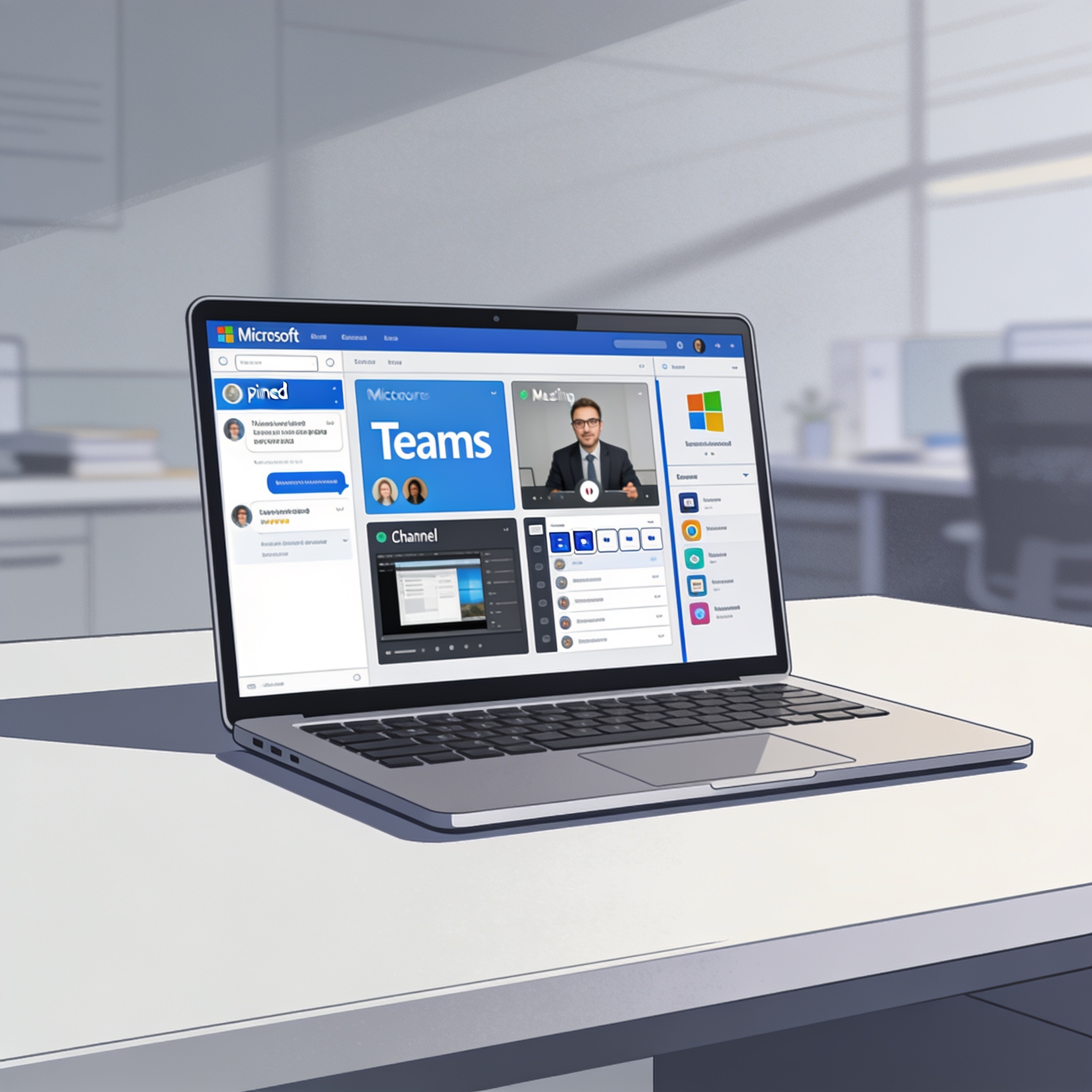
A roundup of four notable features in Microsoft Teams: a meeting countdown timer, voice isolation, live transcription, and easier access to unsent drafts, highlighting how they enhance meetings and messaging beyond basic chat and video calls.
Share this story

Leave a comment
Your comment appears after you verify your email. We replace % $ { } [ ] < > with periods and display the text safely.
Published comments (0)
No comments yet. Start the conversation.