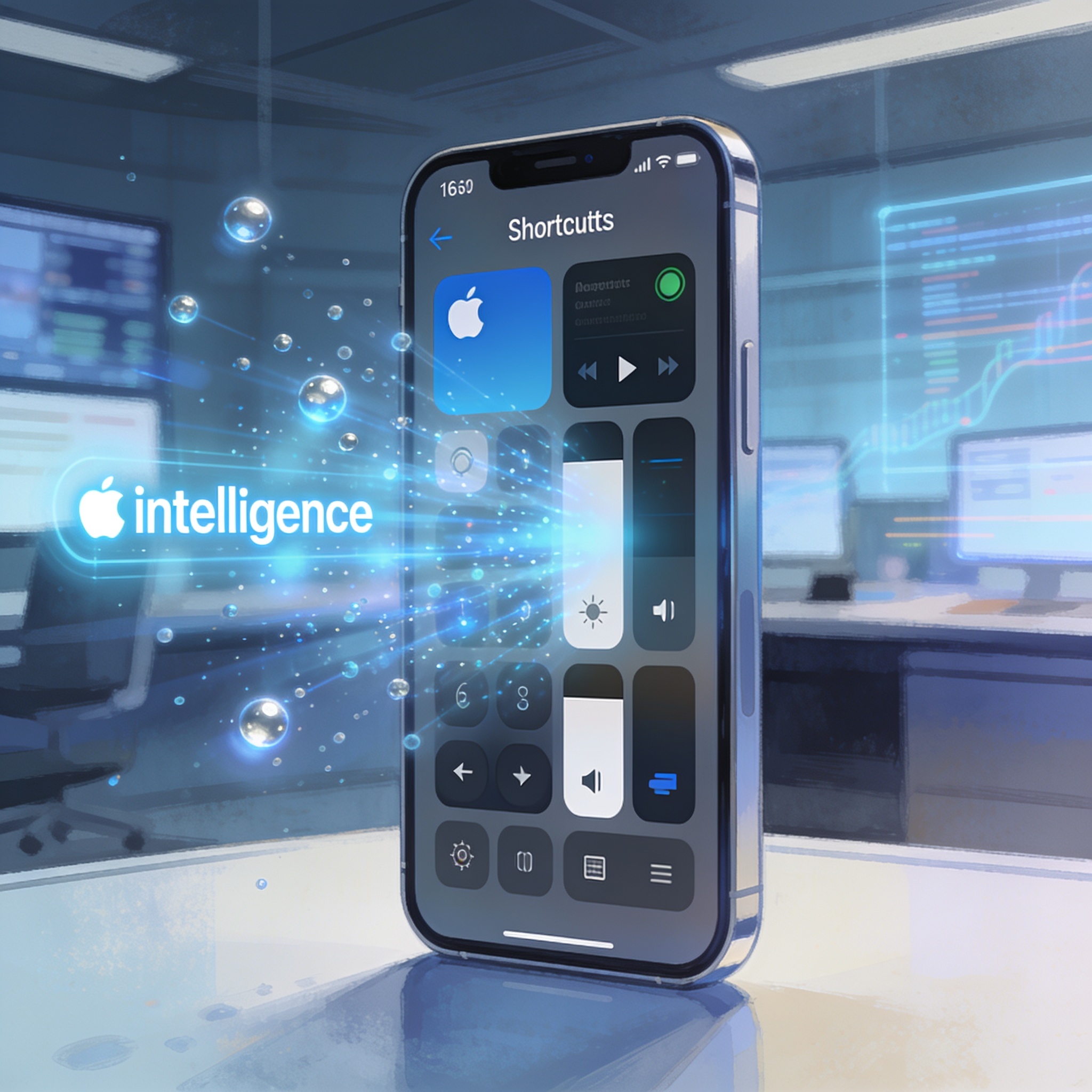
The Shortcuts app in iOS 27 now includes a new feature that allows users to create automations by describing what they want in plain language rather than manually configuring each step. This capability is powered by Apple Intelligence and represents a significant change from previous versions where users had to set up functions and activation conditions individually.
To use the new Describe a Shortcut method, users open the Shortcuts app and tap the plus button at the bottom of the screen. The app presents suggested automations such as dimming screen brightness when bedtime begins or getting directions when entering a car. Users can then describe their desired automation in simple terms, and the system builds the working shortcut automatically.
How It Works
Users can combine multiple steps into single shortcuts through this interface. For example, a user could create one automation that turns on background sounds when bedtime starts and automatically turns them off after an hour. Once created, shortcuts remain in the app where they can be edited or renamed by long-pressing the icon.
Shortcuts can also be added to the home screen as bookmarks, paired with the Action Button for quick access, or displayed as widgets on the lock screen. Siri can execute shortcuts by name when users say "Siri" followed by the shortcut name.
Hardware Requirements
The natural language shortcut creation feature requires Apple Intelligence, which limits availability to specific devices. iPhone 15 Pro or later models and iPads or Macs equipped with Apple silicon chips (M1 or later) support the Describe a Shortcut functionality. Earlier devices will only have access to the traditional Editor mode within Settings under Apps and Shortcuts.
What it means
This update makes automation more accessible to users who previously found the Shortcuts app difficult to navigate. People who wanted to automate routine tasks but lacked technical knowledge about how to configure actions and triggers can now simply describe what they need. However, the requirement for newer hardware means older iPhone owners cannot access this convenience feature.
The ability to create complex automations through natural language description reduces the learning curve significantly. Users no longer need to understand the underlying mechanics of connecting different actions together. Those with compatible devices can expect faster setup times and potentially more creative uses of automation since the barrier to entry has been lowered.
Uncertainty remains around how accurately the system interprets complex requests and whether users will encounter limitations when describing certain types of automations. Some advanced configurations may still require manual editing even after initial natural language creation.
Would you try using natural language to create your own iPhone shortcuts, or do you prefer the traditional manual approach?