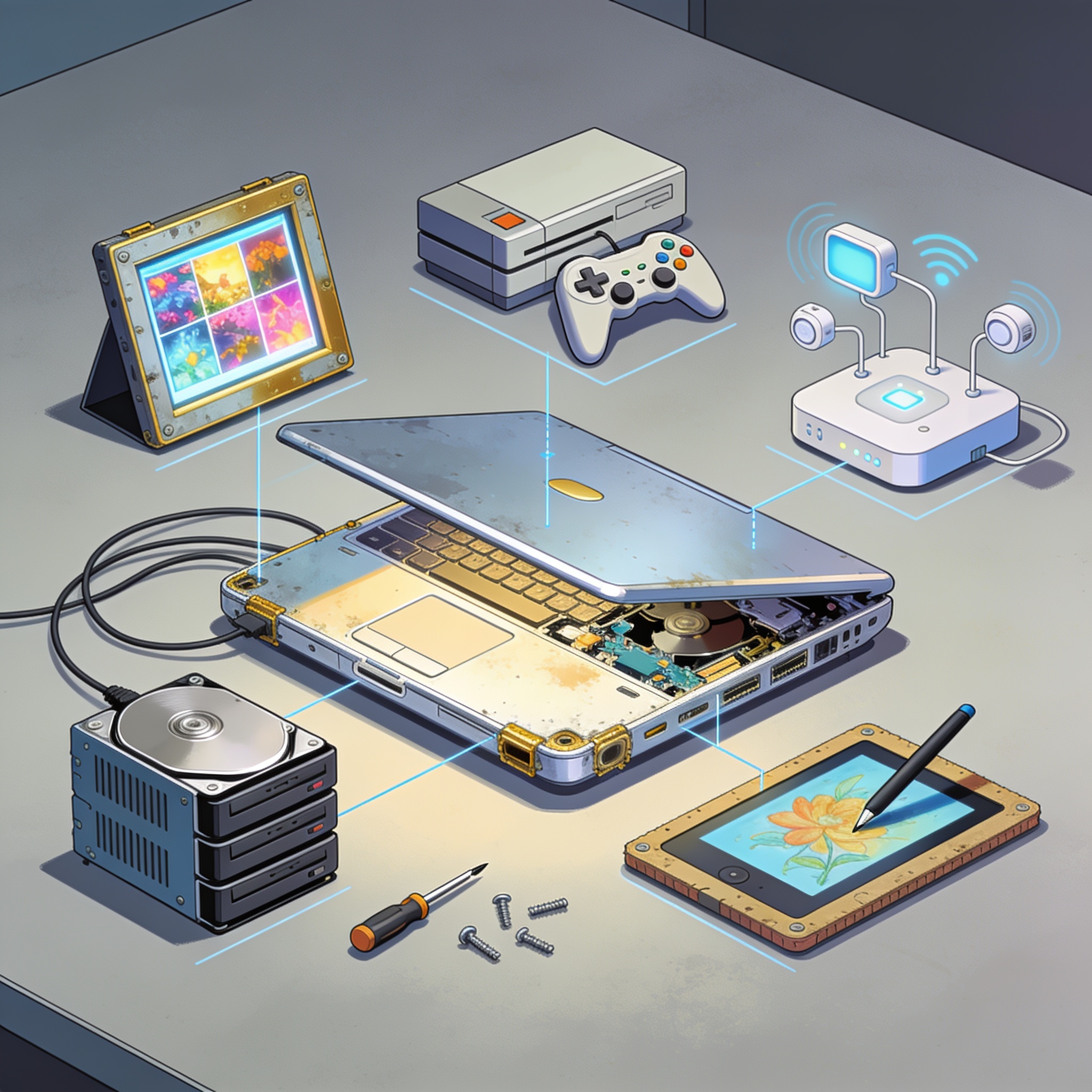
An old laptop can still have life left, even if it feels outdated. Here are five practical reuse ideas.
1) Put a new OS on it. A decade-old machine can be revitalized by installing a lightweight OS such as Linux (Fedora in the example) instead of trying to run Windows 11 or Windows 10 smoothly. Linux can offer fast performance and easy app installation via repositories.
2) Turn it into a media server. A laptop’s portability and built-in battery make it a good candidate for hosting media servers like Plex, Jellyfin, or Emby. It can stream media to TVs and mobile devices across the home network, though remote streaming may require paid options or manual networking configuration.
3) Use it as a guinea pig for suspicious files. An air-gapped setup with a fresh OS and no internet can host analysis tools (VirtualBox/VMware, Process Explorer, Wireshark) to examine unknown files safely. Disable antimalware to observe behavior, and handle storage media with caution.
4) Gift it to a non-technical loved one. Reformat and reinstall a clean OS and give the laptop as a thoughtful upgrade. ChromeOS Flex is suggested for a lightweight, simple experience, with Chrome Remote Desktop helping provide support if needed.
5) Strip it for parts. If the laptop can’t run a new OS or serve as a server, salvage usable components (SSD, HDD, RAM) and wipe drives before reuse or recycling. Use tools like CrystalDiskInfo to check drive health and consider externalizing salvaged storage when slots are limited.
When salvaging, always wipe drives and dispose of unusable parts at appropriate recycling points.




Leave a comment
Your comment appears after you verify your email. We replace % $ { } [ ] < > with periods and display the text safely.
Published comments (0)
No comments yet. Start the conversation.