A practical guide outlines steps for storing a laptop for an extended period. It emphasizes backing up all data before placing a device into storage to prevent potential data loss while the laptop is inactive. The lithium-ion battery is identified as the primary component needing careful maintenance during long storage. If possible, removing the battery and storing it separately is recommended; if removal isn't feasible, specific care steps still apply. Temperature and moisture are highlighted as critical factors for battery health, so the storage location should be temperature-controlled and dry, away from heat sources like furnaces or radiators. The device should be powered down completely and disconnected from AC power. To avoid gradual discharge and potential long-term damage, the battery should be charged to about 50 percent prior to storage. Even during storage, it’s advised to periodically reconnect power to recharge back to 50 percent, approximately every six months, to maintain battery health. Additional best practices include keeping the laptop free from objects resting on it, which could damage the lid or screen, and cleaning both the screen and keyboard before sealing it away. Storing the laptop in its original case or packaging can offer extra protection while not in use. With careful preparation and routine maintenance, the device should be ready for use when retrieved from storage.
Safest long-term storage for laptops: back up data, manage battery, and protect from heat and moisture
Guidance on preserving laptops when they're not in use for extended periods.
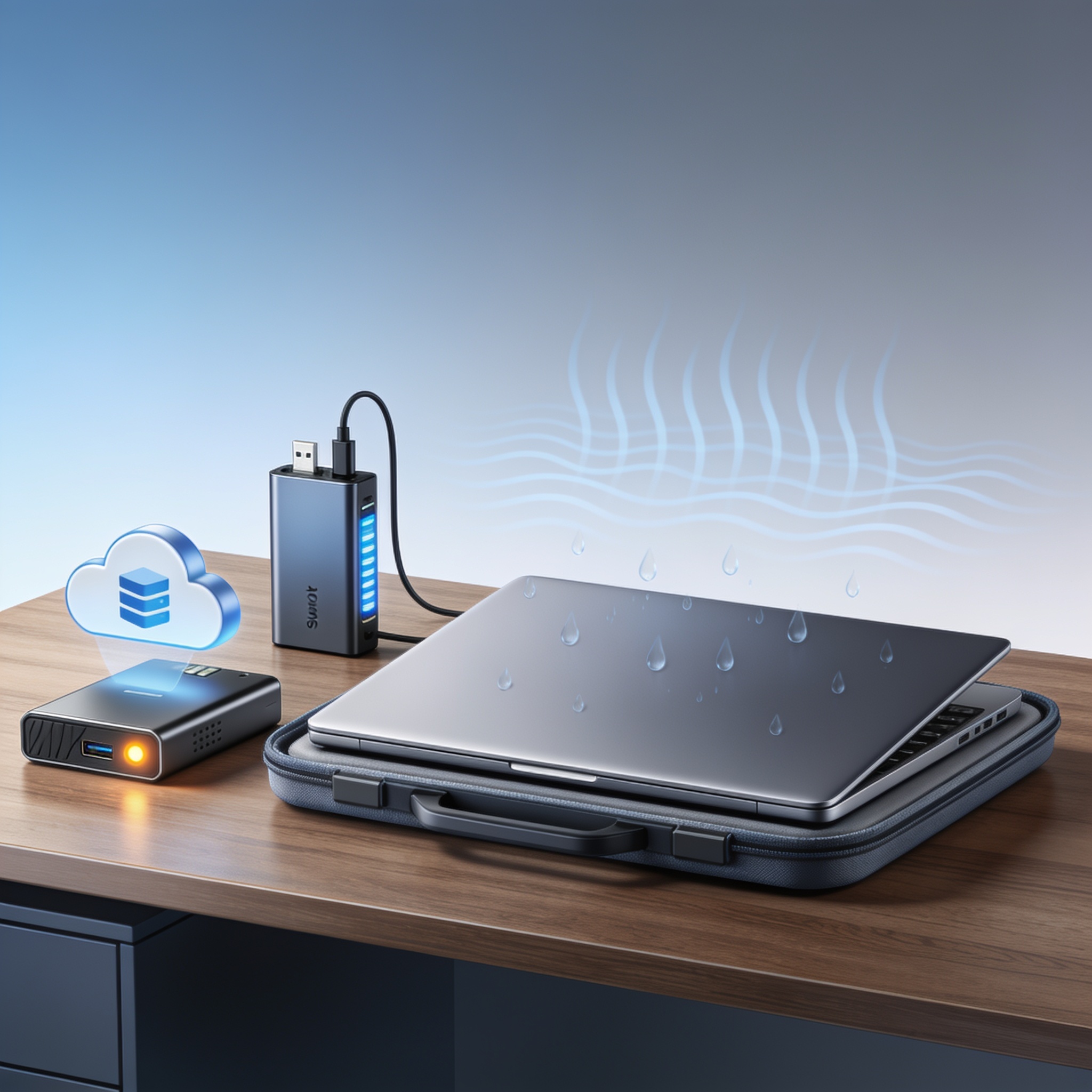
A practical guide to storing laptops for weeks or months, focusing on data backup, battery care, and storage conditions to minimize damage and preserve usability when the device is needed again.
Share this story