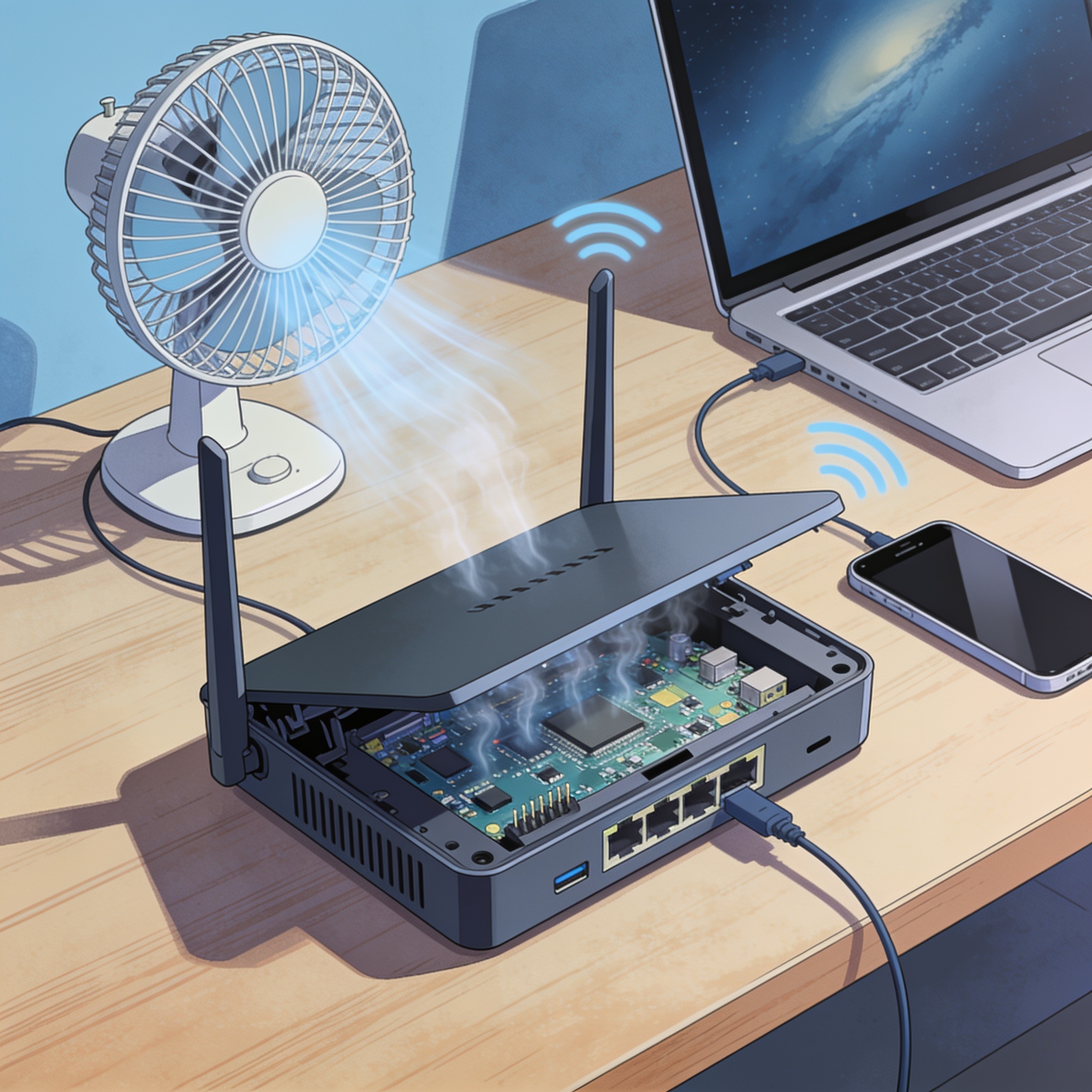
Home Wi‑Fi routers naturally generate heat during normal operation due to internal electronic components such as processors, memory, wireless radios, and power management modules. Modern devices increasingly use system-on-chip architectures that integrate core networking functions onto a single semiconductor chip. While warm to the touch after hours of use, uncomfortable levels of heat warrant investigation.
When a router exceeds its recommended operating temperature threshold, users may experience connectivity problems, random freezes, or device shutdowns. The CPU may throttle itself to regulate internal temperature, causing network speed variability and reduced Wi‑Fi range. Continued use of an overheating unit risks damaging crucial internal components, potentially rendering the device unusable.
Identifying Overheating Symptoms
The most immediate indicator is tactile: the device feels uncomfortably hot. Additional signs include dropped connections, degraded network performance, frequent disconnections, and unexpected shutdowns. These symptoms often accompany elevated temperatures but do not always indicate a faulty router.
Prevention and Remediation Steps
Proper ventilation serves as the primary defense against overheating. Users should avoid placing routers in enclosed spaces or surrounding them with objects that restrict airflow. Moving the device away from windows prevents exposure to direct sunlight. Keeping routers separate from other heat‑emitting electronics like computers and gaming consoles helps maintain cooler ambient temperatures.
Regular cleaning of router vents removes dust and debris that impede air circulation. Firmware updates address stability and performance issues that may contribute to overheating anomalies. If these measures prove ineffective, the power adapter becomes the next suspect. A faulty or improperly rated adapter can deliver excess current, driving higher heat dissipation than components can handle safely.
When ventilation improvements, firmware updates, and power adapter replacement fail to stabilize temperatures, the router itself likely requires replacement. This indicates the device has reached the end of its operational lifespan.
What it means
Home users relying on stable internet connections face practical challenges when routers overheat. Connectivity disruptions affect remote work, online learning, and streaming services. Implementing basic maintenance practices—such as ensuring adequate airflow, cleaning vents, and updating firmware—can extend device longevity and maintain network reliability.
However, determining whether overheating stems from environmental factors or hardware failure remains uncertain without diagnostic tools. Users must weigh repair costs against replacement expenses when troubleshooting persistent thermal issues.
Would you replace your router immediately upon noticing overheating symptoms, or attempt fixes first?