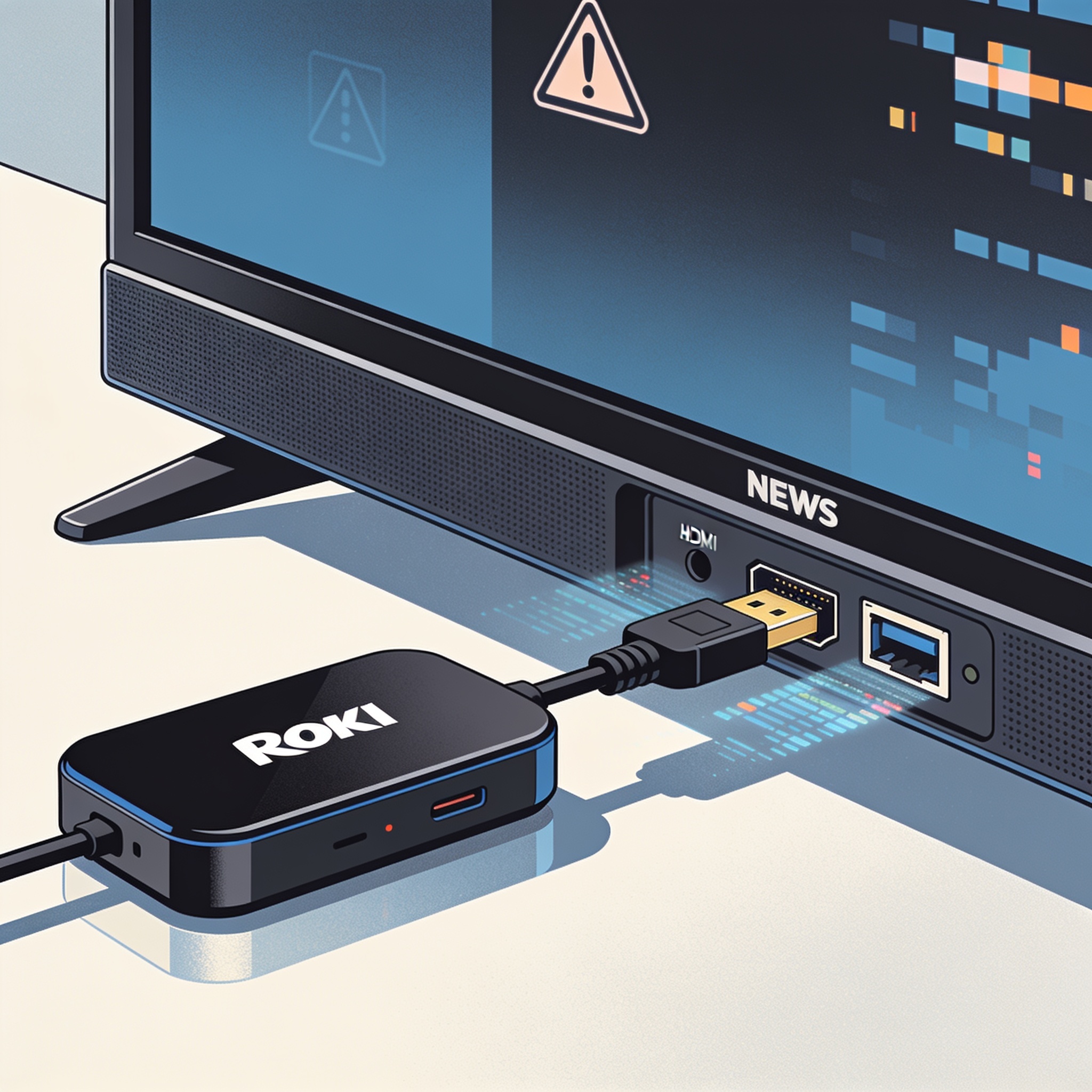
Connecting a Roku streaming device to the wrong HDMI port on a television can lead to suboptimal performance, even though the hardware is generally forgiving compared to gaming consoles or soundbars. According to Engadget reporting dated Nov. 10, 2026, users may experience inferior video or sound quality if they do not select the appropriate input.
Port Selection Matters
While most modern TVs support at least HDMI 2.0, which handles standards like 4K, HDR10+, Dolby Atmos, and Dolby Vision, certain features require specific configurations. The Roku Ultra supports Quick Media Switching (QMS), an HDMI 2.1 feature that allows seamless transitions between different frame rates without temporary blackouts. However, this function only works if connected to a compatible port.
Some televisions restrict high dynamic range capabilities to particular inputs. Users must check their manufacturer's documentation to identify which ports support HDR standards and whether manual adjustments are needed in the TV's menu settings. Many ports default to reduced capabilities to ensure broad compatibility, but enabling enhanced options across all inputs is recommended.
Audio and Cable Considerations
A critical error involves plugging a Roku into an HDMI port labeled ARC (Audio Return Channel) or eARC. These ports are designed for output devices such as soundbars and receivers. Although TVs with ARC support typically pull audio from all HDMI 2.x inputs regardless of labeling, using these ports for a streamer is unnecessary and potentially confusing.
Cable quality also plays a role in performance. If a Roku supports HDMI 2.1 features, using an older HDMI 2.0 cable will prevent those functions from working. HDMI 2.1 cables are widely available at low prices. Computers and game consoles should take priority for high-bandwidth ports since they fully utilize advanced features like variable refresh rate. Streamers remain lower priority until manufacturers better leverage newer TV capabilities.
What it means
For most viewers, the immediate impact of using the wrong HDMI port is limited to missing out on specific visual enhancements or experiencing brief interruptions during content playback. Users who frequently switch between news broadcasts and movies might notice more frequent blackouts without QMS enabled. Those seeking full Dolby Vision or Atmos support need to verify their TV's port specifications before connecting.
The situation remains uncertain regarding how often consumers actually encounter these issues in practice. While the technical requirements exist, many users may never notice the difference unless they actively compare performance across different inputs. Manufacturers have not issued widespread warnings about incorrect port usage, suggesting the problem affects a minority of setups.
Would you check your TV's HDMI port specifications before connecting a new streaming device, or do you simply plug it in and hope for the best?