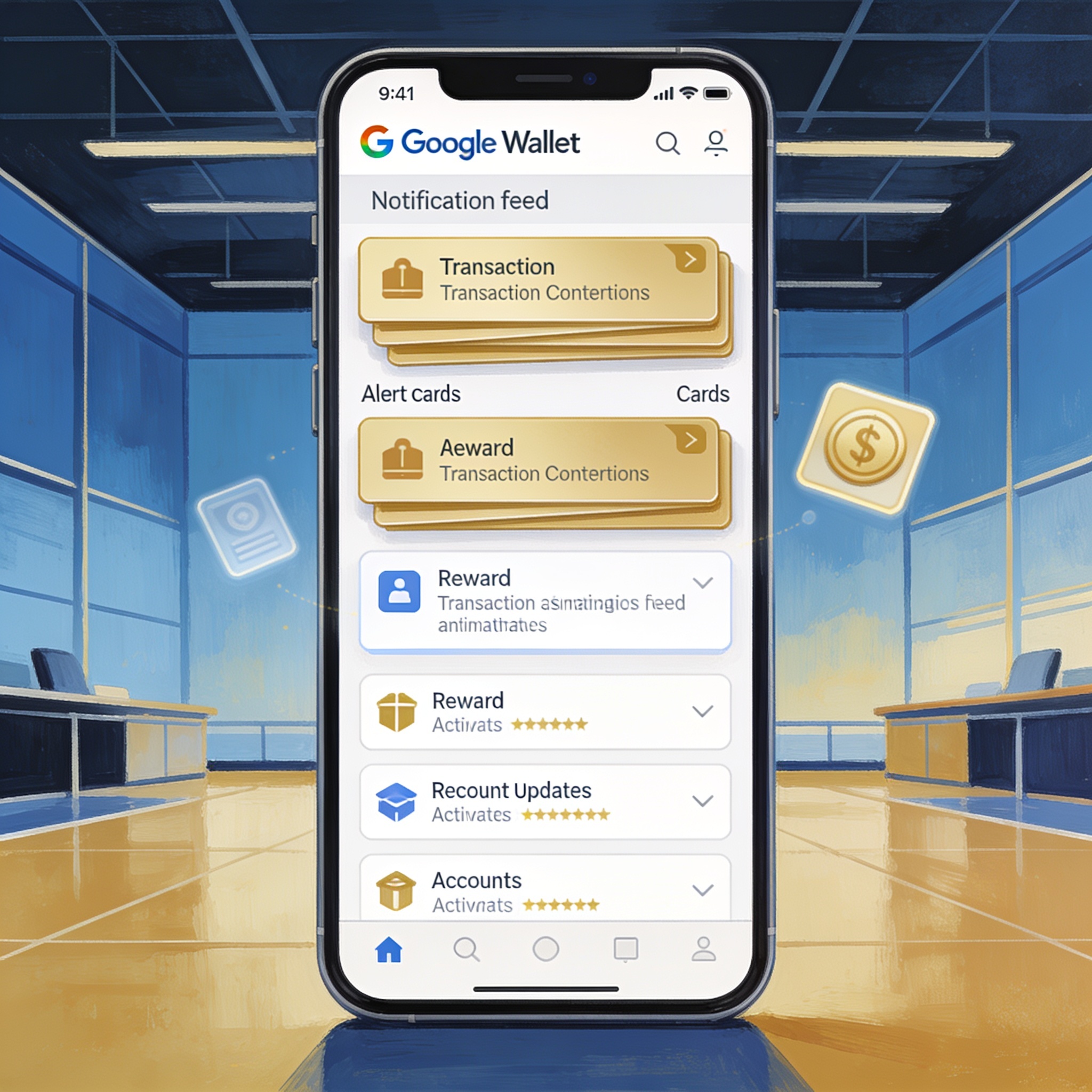
Google Wallet began rolling out an update in October 2026 that introduces a centralized notification feed within the application. The change aims to organize alerts regarding saved payment cards, boarding passes, loyalty points, and promotional offers into a single location.
Users who have received the update will see a bell icon positioned next to their profile picture in the top-right corner of the Google Wallet app. Tapping this icon opens the notification feed. If no alerts are present, the page displays a blank screen with a bell icon in the center. Otherwise, notifications appear as a list containing updates such as gate changes on travel documents, point balance adjustments, and new offers.
The feature is still being deployed, meaning some users may not yet see the option. Google states the update also includes improved passport recognition capabilities alongside the new inbox system.
Managing Notifications
While the feed consolidates existing alerts, it does not stop them from appearing. Some notifications rely on Nearby Notifications, which trigger based on a user's physical proximity to specific locations. To prevent these messages entirely, users must modify their device settings.
To turn off all notifications, open the app profile menu and navigate to Wallet settings, then select Manage Wallet Notifications. Alternatively, users can access the device Settings menu, locate Apps, select Google Wallet, and choose either Notifications to disable alerts or Permissions to block location data usage.
What it means
This update addresses a common complaint about digital wallet apps sending excessive alerts. By grouping messages together, users gain better control over when they review important information like flight changes or card updates. However, the ability to silence notifications depends on manual configuration rather than automatic suppression.
The partial rollout suggests availability varies by region or account type. Until the feature reaches all users, some individuals may continue receiving scattered alerts without a central hub. Those concerned about privacy should verify whether location permissions remain active after disabling standard notifications.
Would you prefer a dedicated notification section in your digital wallet, or do you find any alerts from financial apps intrusive?