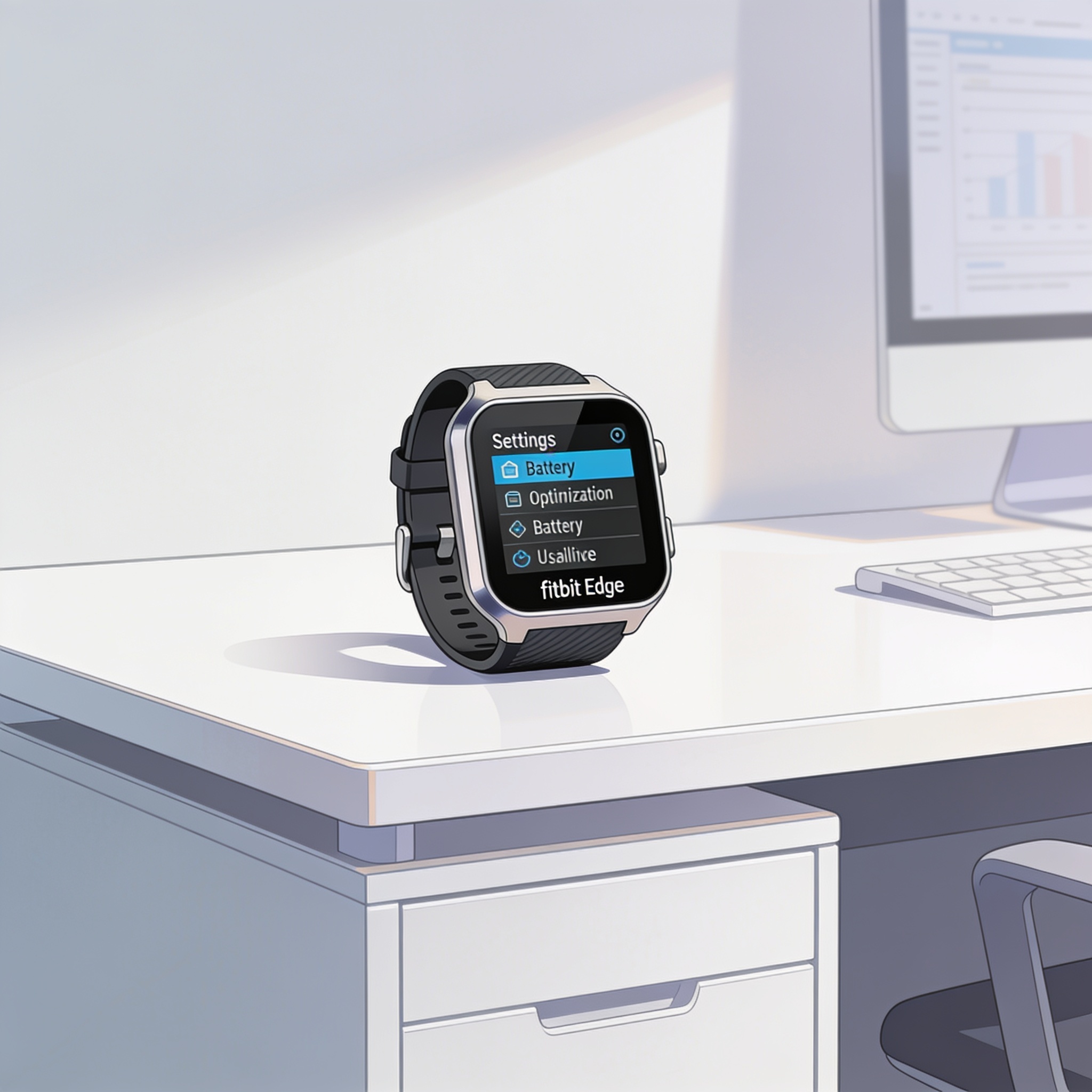
The Fitbit Edge fitness tracker requires minimal configuration to deliver an optimal user experience, according to new guidance from Google Fitbit. While the device features solid hardware and a streamlined operating system, several adjustable settings can significantly improve usability and battery performance.
Customizing Display and Interface
The first recommended adjustment involves selecting a compatible clock face. Beyond aesthetic preferences, certain faces support additional tiles or complications that provide at-a-glance access to statistics such as calorie burn and heart rate. The Modular faces are highlighted as the most functional option, supporting up to four or five tiles simultaneously. To install these, users must navigate to Google Health Connections, select their device, and browse available Clocks before tapping Install. Once installed, faces can be swapped by holding down the screen on the Edge.
Another critical setting is Tracker Orientation. This configuration determines whether the physical button appears on the left or right relative to onscreen content. Adjusting this setting prevents accidental button presses during activities where straps may shift against the device. For example, deadlifters often wear trackers higher on the arm, increasing the risk of strap contact with buttons if the orientation is not aligned correctly.
Reducing Distractions and Extending Battery Life
Users who prefer fewer interruptions can disable Coach Insights within the Google Health app. Accessing the Profile icon leads to Google Health Settings, where Coaching options allow users to select No Coach Insights. This change stops unprompted summaries and advice from appearing on the phone during daily use. Fitness veterans may find these notifications redundant if they already understand their own performance metrics.
Battery optimization requires careful management of GPS usage. Under device settings in Google Health, users can configure the tracker to rely on the phone for location data rather than using the Edge's built-in GPS. This switch extends battery life but removes location tracking entirely if the phone is left behind. Activities like swimming make carrying a phone impractical, so leaving GPS on Dynamic mode ensures the device switches to onboard tracking when necessary.
Disabling the Always-On Display offers another significant battery boost. Google states that keeping this feature active reduces maximum battery life from seven days to approximately two days. Real-world performance may drop further if onboard GPS remains active. Marathon runners or those prone to forgetting charging cycles should prioritize turning this feature off.
Finally, maintaining a consistent charging routine helps mitigate battery anxiety. Charging the device for short intervals, such as five minutes while showering, can restore a full day of use. This method requires combining the cable with a 30W power adapter to achieve the necessary speed.
What it means
These adjustments primarily affect users seeking to maximize the utility of the Fitbit Edge without upgrading to a full smartwatch. People who value long battery life over constant connectivity will benefit most from disabling the always-on display and using phone-based GPS. However, outdoor athletes requiring independent tracking during swims or runs must retain dynamic GPS settings to avoid losing location data.
The ability to customize interface elements allows users to tailor the device to specific workout needs, though the core functionality remains unchanged. Uncertainty persists regarding how third-party integrations might impact these settings, particularly for users syncing data across multiple platforms.
Would you prioritize battery longevity over real-time health monitoring when configuring your fitness tracker?