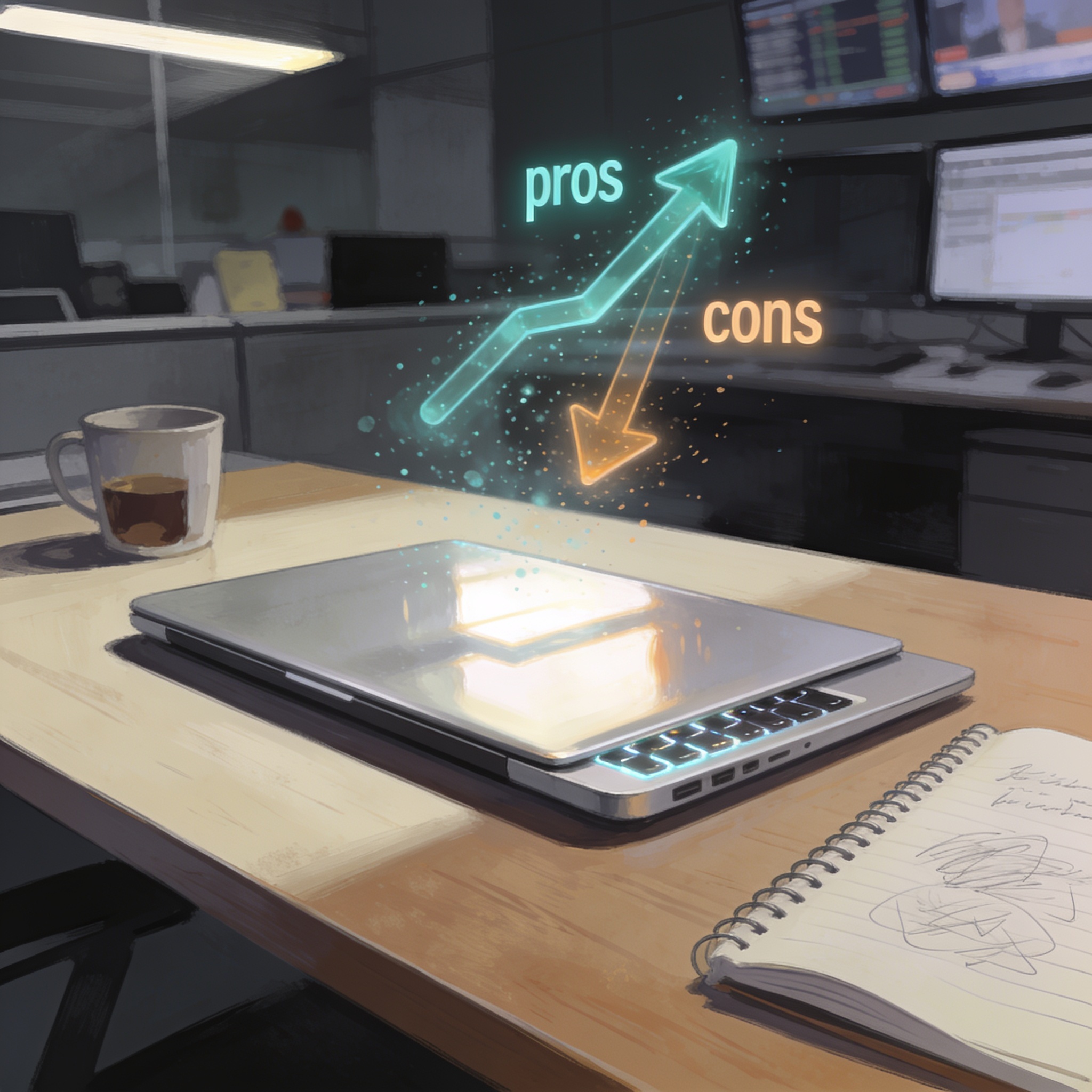
Users connecting laptops to external monitors face a choice between leaving the device open or closing the lid. A new assessment indicates that neither approach carries significant risk for most modern machines, though specific conditions favor one method over the other.
Keeping the lid closed offers aesthetic benefits by reducing desk clutter. It also protects the keyboard from dust and debris while preventing wear on the hinge mechanism. With the screen off, the system consumes less power than if both displays remained active. This setup works well for fanless models like the MacBook Air or thin devices handling light tasks such as rendering or file downloads.
However, heat management becomes a critical factor for high-performance systems. Many laptops release heat through the keyboard area, requiring airflow that only an open lid provides. Gaming laptops often vent air upward from the chassis, making closure potentially detrimental during heavy workloads. Some designs even lift the rear of the unit when opened to improve cooling efficiency.
For users who prefer a closed configuration, several precautions ensure safety. Power adapters should remain connected since external monitors increase energy draw. Operating systems require settings adjustments to prevent sleep mode activation upon lid closure. Placing the device on a stand improves under-chassis ventilation, though dedicated cooling pads offer minimal benefit for this specific gap. Closing the lid partially can switch off the display while maintaining some airflow if hot air does not blow directly onto the screen.
Docking stations provide a universal solution regardless of lid position. These hubs consolidate connections for keyboards, mice, network cables, and video outputs into a single cable, simplifying transport and setup. They often include tilting mechanisms that create space for air circulation around the device.
What it means
The practical takeaway is that laptop manufacturers design their products to handle both scenarios safely within normal operating parameters. Users running intensive applications like gaming or video editing should prioritize thermal performance by keeping lids open or ensuring adequate ventilation. Those performing office tasks or media consumption may close the lid without concern provided they monitor temperatures.
Uncertainty remains regarding long-term effects on specific components under sustained high loads in closed configurations. While no immediate damage occurs, prolonged exposure to elevated temperatures could theoretically impact battery life or internal electronics over years of use. Checking manufacturer guidelines before adopting a permanent closed-lid workflow remains advisable for workstation-class machines.
Would you keep your laptop lid closed when using an external monitor, or do you prefer having both screens visible?