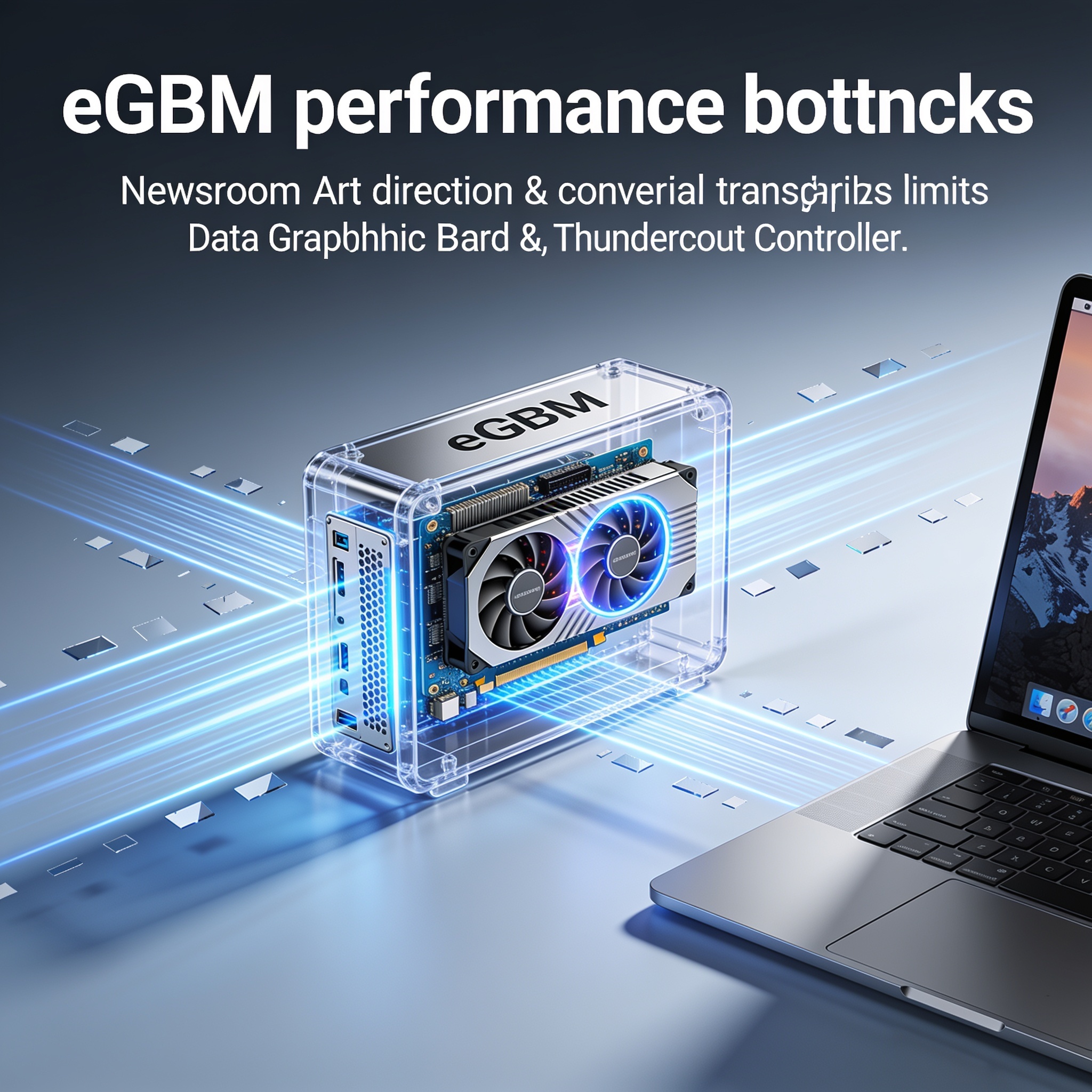
Connecting a desktop graphics card to a laptop seems like an ideal solution for portable computing, but the reality involves significant trade-offs. An external GPU (eGPU) can bring desktop-class performance to a thin machine, yet cables, bandwidth limits, and extra costs often erode the advantage.
The core issue lies in how the graphics card communicates with the computer. A built-in laptop GPU uses an internal PCIe connection, which allows for wider multi-lane data transfers. In contrast, an eGPU typically relies on Thunderbolt or USB4 interfaces. Thunderbolt 4 provides 40 Gbps of overall bandwidth but requires 32 Gbps of PCIe data throughput. Even the newer Thunderbolt 5 doubles this base speed to 80 Gbps, though Intel specifies that PCIe data throughput remains capped at 64 Gbps.
Hardware differences between desktop and mobile chips are substantial even before considering connection limitations. The RTX 5090 Laptop GPU features 10,496 CUDA cores and 24GB of GDDR7 memory within a 95W to 150W power range. The desktop version boasts 21,760 CUDA cores, 32GB of GDDR7 memory, and a 575W total graphics power rating. This hardware gap is significant before the external connection begins to restrict performance.
Performance penalties also occur when using the laptop's built-in display. Rendered frames must travel back through the same limited connection used to send instructions to the card. Some brands suggest connecting an external monitor directly to the eGPU to bypass this penalty. There is no universal percentage for performance loss, as results depend on the specific GPU, laptop, connection type, resolution, and game being played.
What it means
For users considering an eGPU setup, the practical implications involve weighing raw power against connectivity constraints. If you already own a high-end desktop graphics card after upgrading a PC, purchasing an enclosure could be a cost-effective way to boost your laptop's gaming capabilities. However, buying a new high-end desktop card specifically for an eGPU is difficult to justify given the cable limitations.
Portability becomes a secondary concern with traditional eGPU setups. Users must manage an enclosure, a heavy desktop GPU, and potentially an ATX power supply on their desk. Razer's Thunderbolt 5 Core X V2 supports full-size NVIDIA and AMD cards up to four slots wide but does not include the necessary power supply or GPU. The enclosure itself costs approximately $350, adding to the total investment.
Uncertainty remains regarding whether the performance gains will outweigh the complexity and expense for average users. While the technology offers a bridge between portability and power, the bandwidth bottleneck ensures that desktop cards rarely perform at their full potential when connected externally.
Would you invest in an external graphics enclosure to upgrade your laptop, or do you prefer the simplicity of a dedicated desktop machine?