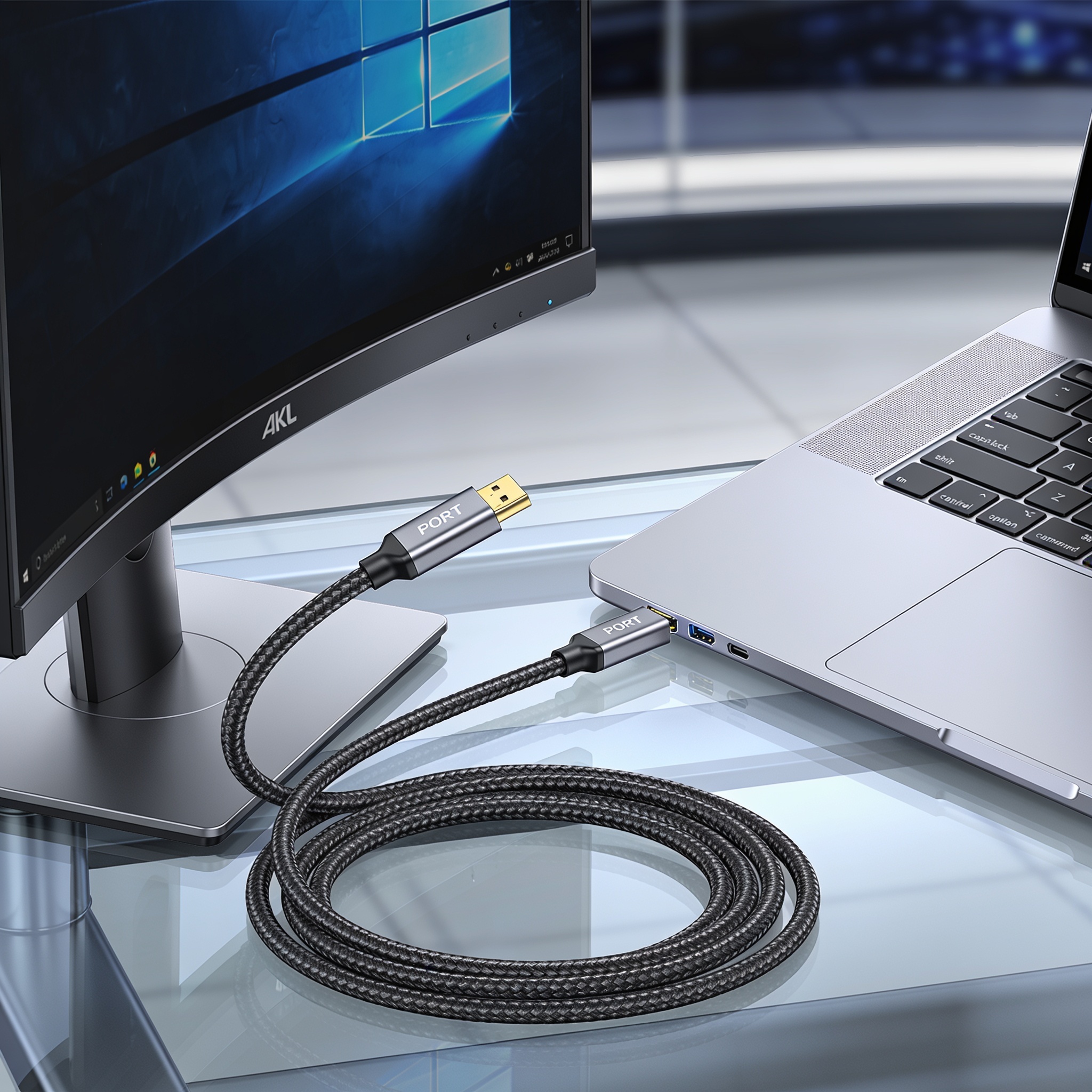
Gaming setups and desktop computers using DisplayPort connections face specific limitations regarding cable length. Passive copper DisplayPort cables deliver stable video signals capable of handling resolutions like 4K HDR at 144 Hz only up to a maximum of six feet. Exceeding this distance introduces visual artifacts, flickering, or complete connection loss.
Signal degradation begins at 10 feet
When the cable length reaches approximately 10 feet, the system automatically reduces performance to maintain stability. Users may experience forced drops in resolution from 4K to 1080p or 1440p, or reductions in refresh rates that impact gaming smoothness. At distances approaching 15 feet, stable 4K output becomes impossible with standard passive copper wiring.
Active and fiber optic solutions exist but cost more
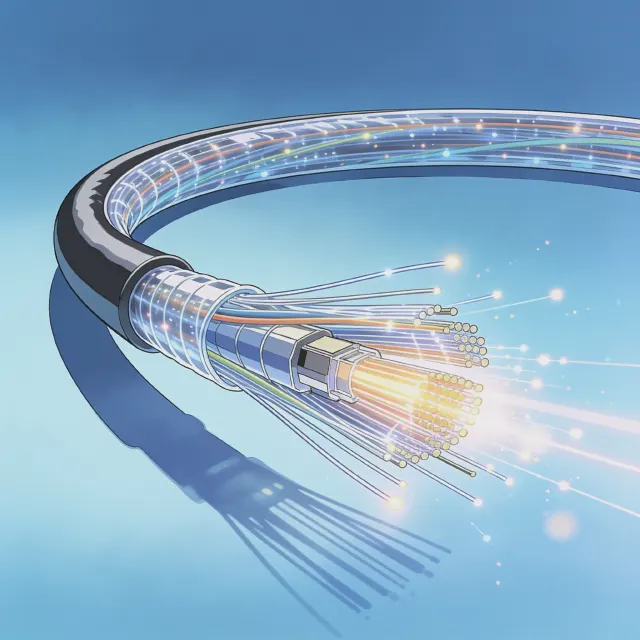
Active copper cables that boost signal strength can extend reliable performance between 15 and 30 feet. Fiber optic cables offer the greatest range, supporting connections up to 100 feet. However, these premium options carry significantly higher price tags. A 10-foot passive copper cable rated for DisplayPort 2.1 costs around $10, while a 15-foot fiber optic option exceeds $50.
Practical setup recommendations
Most computing environments do not require extended cable lengths. Monitors typically sit on desks less than six feet away from the computer tower. Daisy-chaining multiple monitors via Multi-Stream Transport further limits available space, as two three-foot cables already reach the six-foot threshold. Users attempting longer runs risk crippling display performance even if their graphics hardware supports higher specifications.
What it means
The practical implication is that most consumers should purchase six-foot or shorter passive copper DisplayPort cables to ensure optimal performance without unnecessary expense. Buying longer cables offers no benefit for typical desk setups and may actively harm visual quality if they exceed the passive copper limit. Only specialized applications requiring long-distance video transmission justify the investment in active or fiber optic alternatives.
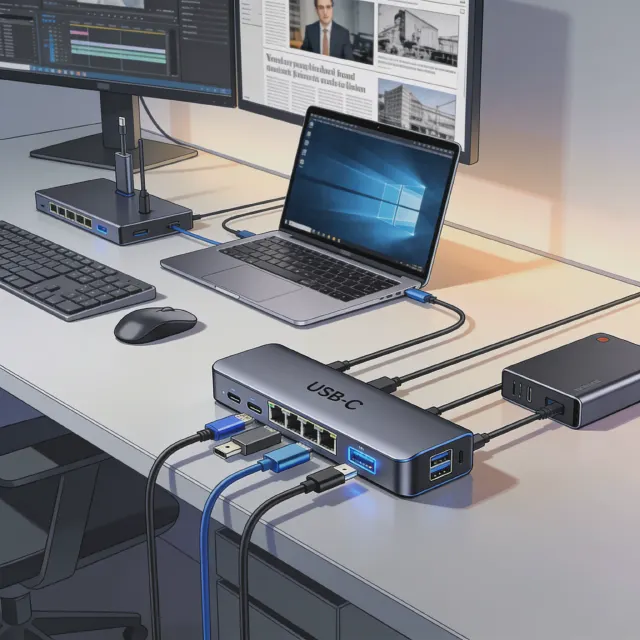
This limitation highlights why DisplayPort remains relevant despite the rise of USB-C and Thunderbolt standards. While those newer protocols support power delivery alongside video, DisplayPort continues to serve as a dedicated video interface where production costs and legacy compatibility matter. As USB 4 v2 and Thunderbolt 5 become more common, the necessity for separate DisplayPort cabling may diminish, but current users must work within these physical constraints.
Would you choose to buy a longer DisplayPort cable for future-proofing your setup, or stick strictly to the recommended six-foot limit?