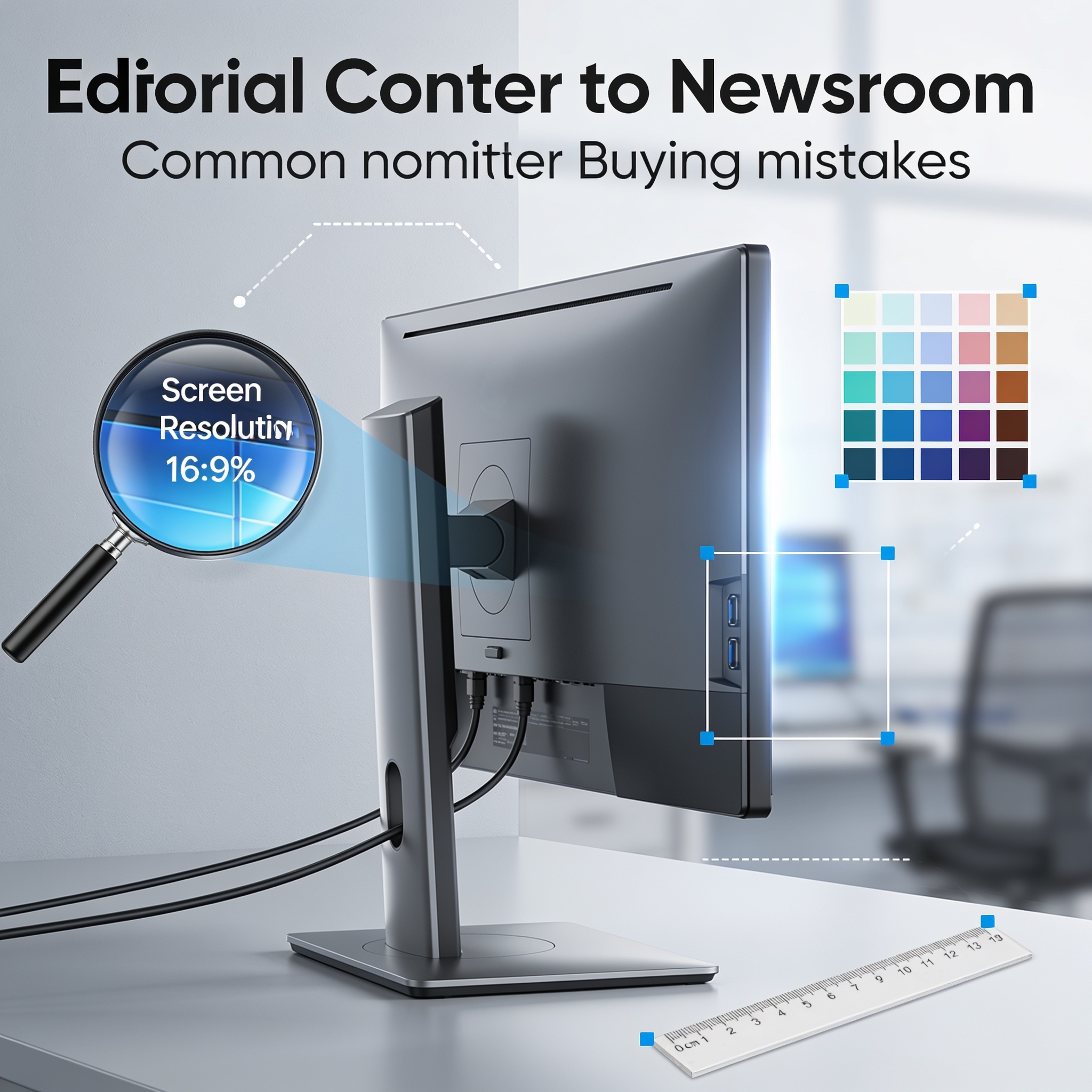
Consumers often purchase monitors that fail to meet their actual requirements due to a series of common oversights. A guide released on November 8, 2026, details how these mistakes occur and provides strategies to avoid them.
Viewing Distance and Screen Size
One frequent error involves applying television shopping logic to computer displays. Monitors sit significantly closer to the user than televisions do, typically between 24 and 42 inches away. This proximity requires different sizing considerations. A 27-inch monitor is recommended for viewing distances of 24 to 36 inches, while a 32-inch model suits distances of 28 to 42 inches. Using a TV-sized screen at this distance can cause eye strain and make text difficult to read due to lower pixel density.
Hardware Compatibility and Ports
Buyers frequently overlook whether their existing computers support the specifications of a new display. Older HDMI ports, such as HDMI 1.4, may limit resolution to 4K at 30Hz, whereas newer standards like HDMI 2.0 or DisplayPort 1.2 support 4K at 60Hz. USB-C connections also require specific capabilities, such as DisplayPort Alt Mode or Thunderbolt, to transmit video signals. Users should verify that their current hardware can handle the desired resolution and refresh rate before purchasing.
Panel Technology Selection
Different panel technologies offer distinct advantages depending on the user's workflow. TN panels provide fast response times suitable for gaming but suffer from poor viewing angles. VA panels deliver deep blacks and high contrast ideal for media consumption but may exhibit ghosting during motion. IPS panels offer accurate colors and wide viewing angles, making them a versatile choice for general use. OLED technology provides superior contrast and color performance but carries a risk of burn-in and commands a higher price.
Ergonomics and Desk Space
Comfort is often sacrificed for aesthetics. Monitors lacking tilt, swivel, height, or pivot adjustments can lead to physical discomfort over time. VESA mount support allows users to add arms later for better positioning. Additionally, the physical dimensions of the monitor must align with available desk space to allow for proper adjustment.
Marketing Hype and Feature Claims
Marketing labels can be misleading regarding feature performance. HDR capability does not guarantee quality; some monitors claim HDR support without sufficient brightness to render the effect effectively. Consumers are advised to look for VESA DisplayHDR ratings and independent reviews rather than relying solely on spec sheets. Similarly, contrast ratio numbers vary by manufacturer and cannot always be compared directly.
What it means
These recommendations highlight that a monitor is a specialized tool rather than a generic display. Users who prioritize office tasks may find 1080p screens sufficient, while content creators might need the color accuracy of IPS or OLED panels. The advice suggests that technical specifications alone do not determine value; compatibility with existing equipment and physical workspace constraints are equally critical factors.
The practical implication is that buyers must assess their specific environment and usage patterns before selecting a device. Ignoring these factors risks purchasing hardware that offers features the user never utilizes or fails to function correctly with their current setup.
Would you prioritize panel type or port availability when choosing a new monitor?