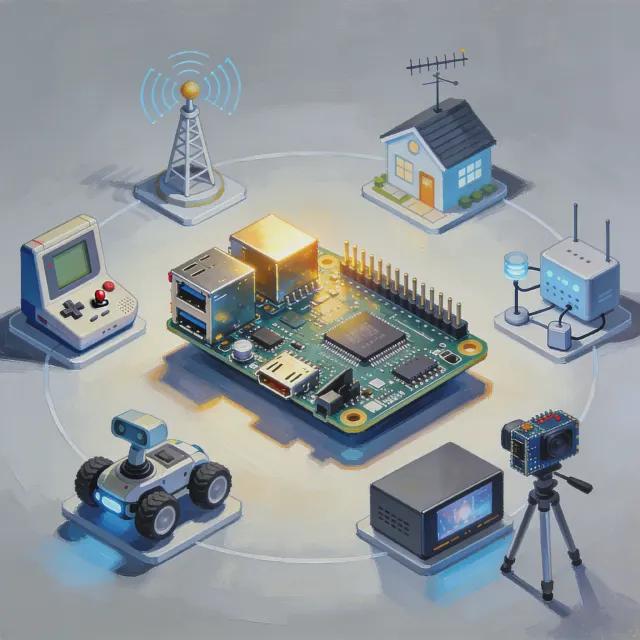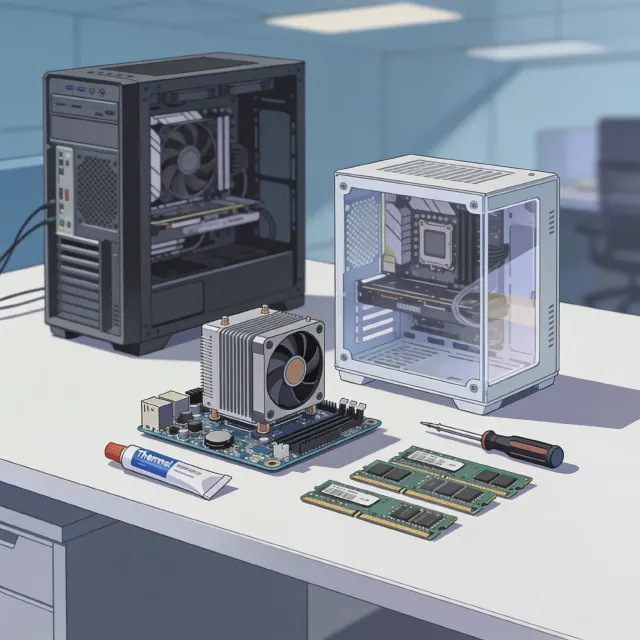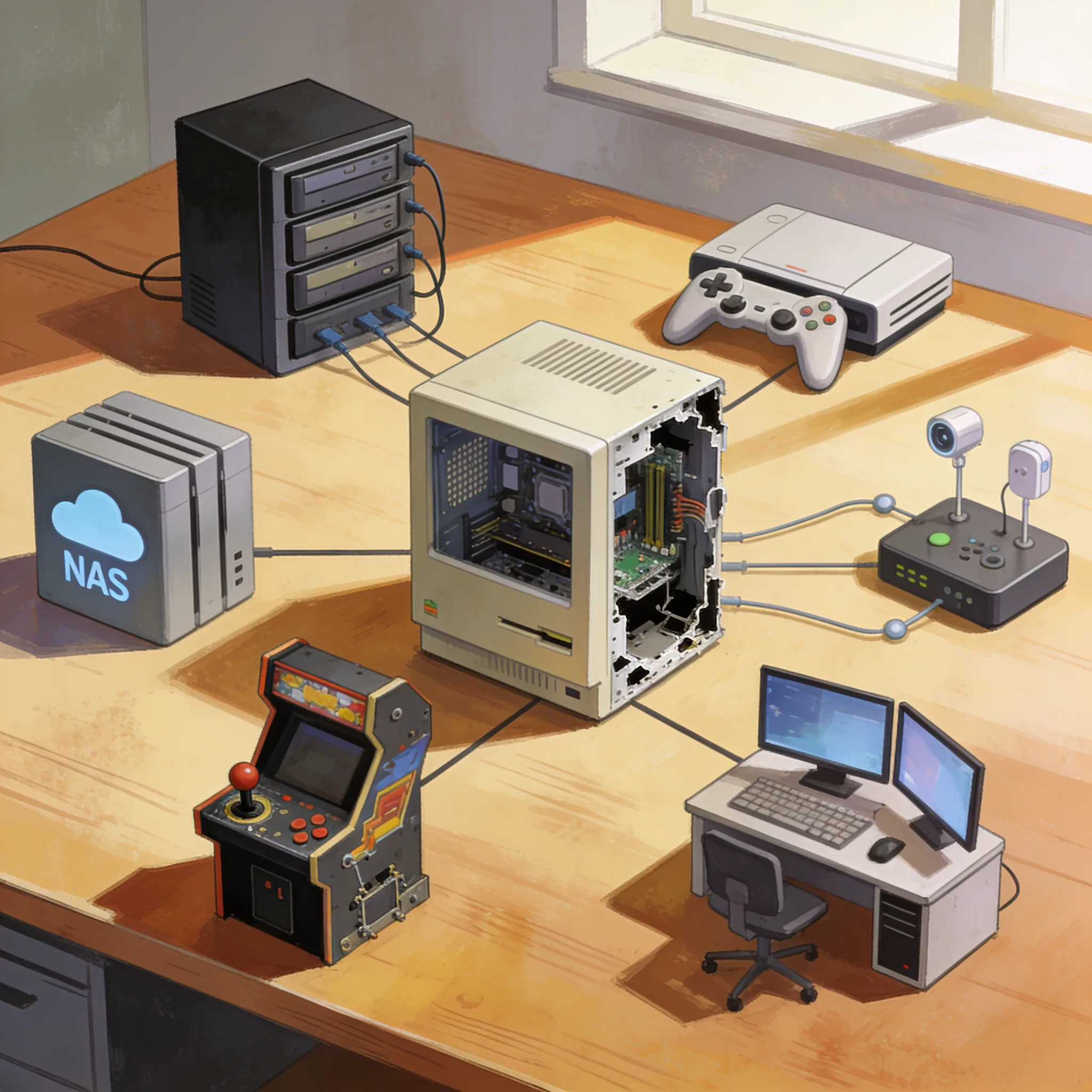
Old mini PCs can be repurposed for various tasks beyond their original function, offering a cost-effective alternative to buying new hardware amid rising component prices. The options range from entertainment setups to productivity tools, though performance depends heavily on the specific processor and memory available in each device.
Retro Gaming Console Batocera, a free Linux-based operating system, can transform a mini PC into a dedicated machine for playing classic games from Nintendo, Sega, and PlayStation systems. Users download the Batocera image, flash it to a USB stick, and boot the device without replacing the existing Windows installation. This process may require disabling Secure Boot or enrolling Batocera's signing key. Once configured, the mini PC connects to a TV via HDMI with a compatible controller. Performance varies by hardware; older models typically handle 8-bit and 16-bit games well, while PlayStation 2 and GameCube titles may struggle. Steam Big Picture Mode offers another option for compatible PC games on larger screens.
Media Center and File Server Installing Kodi allows users to create a media center for browsing and playing locally stored movies and music. For streaming across multiple devices, Plex and Jellyfin enable file sharing over a home network. Local streaming remains free with both services, but remote access requires a Plex Pass subscription unless using Jellyfin. Hardware limitations affect transcoding capabilities, particularly for 4K content which strains older processors. Alternatively, attaching external drives and using OpenMediaVault software turns the mini PC into a network-attached storage device for family photos and backups. However, this solution requires ongoing maintenance and additional drive costs.
Touchscreen Jukebox Pairing a mini PC with a touchscreen and speakers creates a digital jukebox for parties or home bars. Applications like Jukiora and TouchGroove provide album art and queue management interfaces. TouchGroove allows guests to add songs via QR codes from their phones. Both apps offer seven-day free trials before requiring one-time purchases. Users must supply their own music library as neither application includes preloaded content.
Home Security Recorder Frigate, an open-source network video recorder, works with compatible IP cameras to store footage locally instead of relying on cloud services. The software uses AI to detect objects like people and vehicles within camera feeds. Setup requires processors supporting AVX and AVX2 instructions, excluding many older Celeron, Pentium, and Atom chips. Multiple cameras benefit from hardware-accelerated video decoding and appropriate object detectors. Ample storage space and Docker knowledge are necessary for configuration.
AI Workstation Ollama enables running smaller language models directly on computers for tasks like text summarization and chatbot interactions without sending prompts to the web. While modern hardware performs better, capable older machines can still experiment with local AI models. Meta's Llama 3.2 1B model serves as an example at 1.3 GB download size. Cloud-based coding assistants like Claude Code remain an option for heavier processing needs, though they require subscription fees.
What it means Repurposing old mini PCs provides budget-conscious alternatives to purchasing new equipment, particularly valuable given current market conditions where RAM and other components have become expensive. Users gain control over their data through local storage solutions rather than relying on paid cloud services, though this shifts responsibility for maintenance and backup reliability onto individuals. Software requirements vary significantly between projects, meaning not every mini PC will support every use case successfully.
Hardware compatibility remains the primary constraint, especially for demanding applications like AI processing or high-resolution video transcoding. Users should assess their specific device specifications before committing to complex setups involving Docker containers or specialized operating systems. Some features require additional hardware investments like touchscreens or external drives, potentially offsetting initial savings.
Would you consider giving your old mini PC a second life, or do you prefer upgrading to newer hardware?