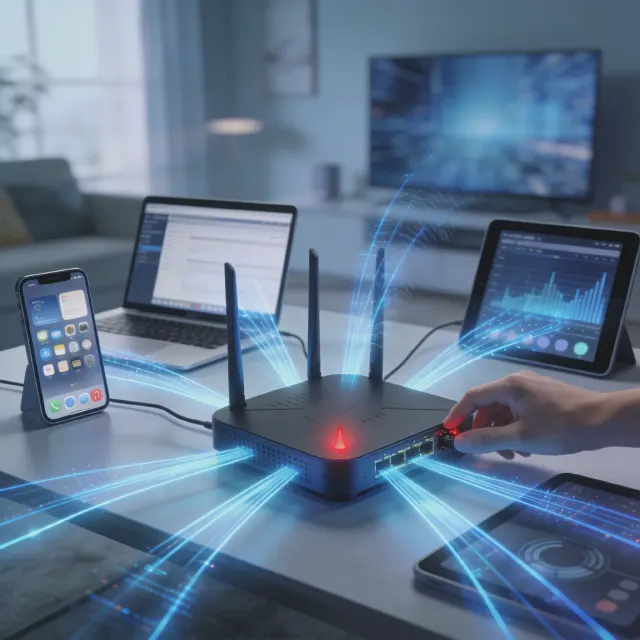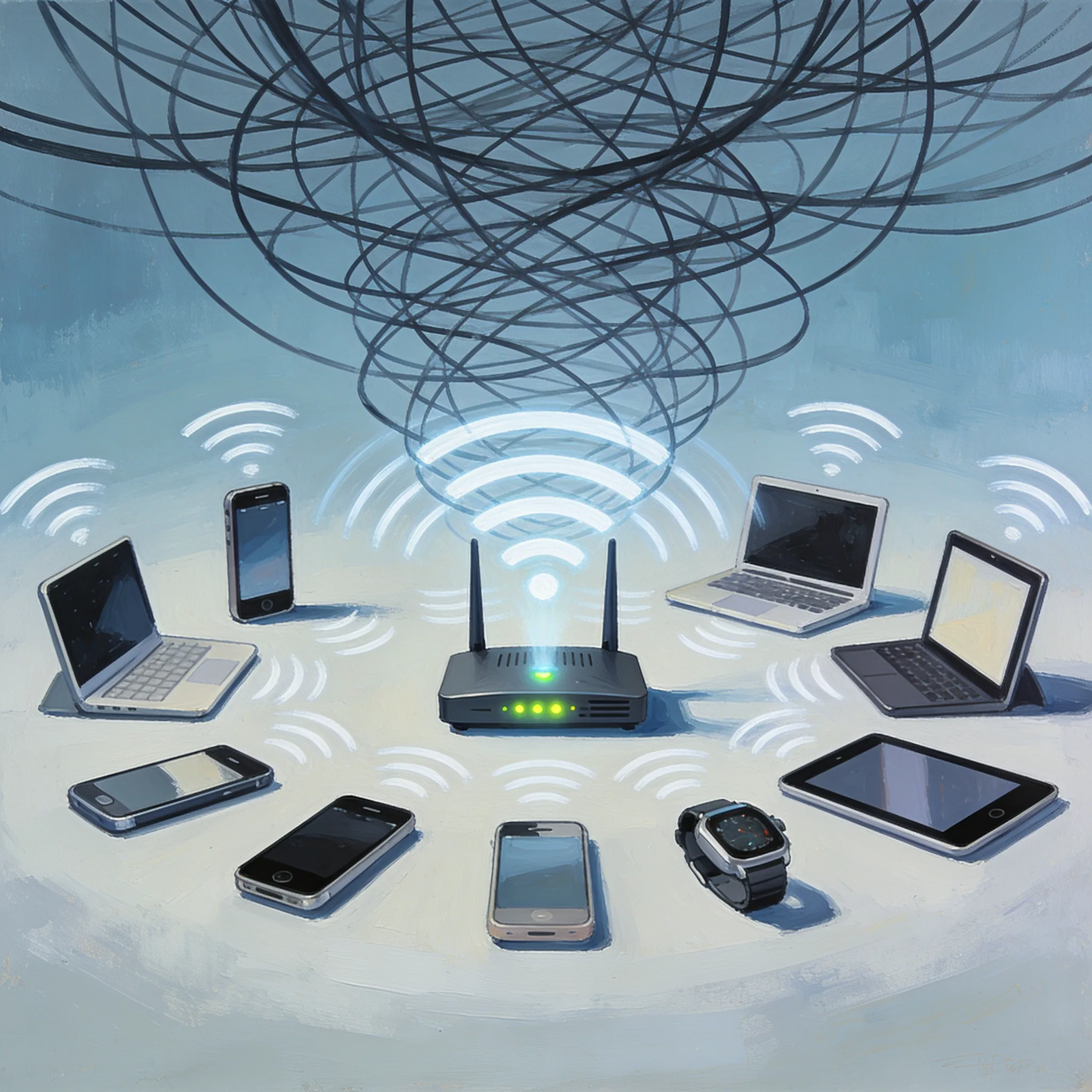
Demand on home Wi‑Fi networks has surged over the past decade as households transitioned from a handful of connected devices like PCs and game consoles to numerous smart home gadgets, wearables, and appliances. This expansion creates real performance crunches that many users experience without understanding the underlying mechanics.
The issue stems from how routers manage traffic rather than just raw speed. A Wi‑Fi router functions similarly to a busy train station with complicated lines of incoming and outgoing data. Each router has an internal bandwidth cap that varies by standard. Wi‑Fi 6 and 6E routers top out at 9.6 Gbps, while Wi‑Fi 7 raises this ceiling to 46 Gbps. Although most internet plans do not approach these limits, these figures represent total available bandwidth for both internet traffic and local device‑to‑device transfers.
Band congestion further complicates matters. Wi‑Fi 6 provides 2.4 GHz and 5 GHz bands, while 6E and 7 add a 6 GHz option. Each band allocates only so many channels, meaning if a band fills up, delays occur or devices get kicked to another band. The 2.4 GHz band is particularly vulnerable since it offers only three non‑overlapping channels, and many low‑power accessories lack 5 GHz or 6 GHz options.
All routers have an invisible limit on simultaneous connections. Older Wi‑Fi 5 protocols may handle as few as 10 to 25 active devices before booting older connections to make room for new ones. This limitation explains why upgrading immediately becomes necessary for households exceeding these thresholds.
What it means
Upgrading to Wi‑Fi 7 can help reduce congestion, but it is not a magic bullet. Band overload remains possible even with newer hardware. To fully utilize features like preamble puncturing, both the router and connecting devices must support the same standard. Since most existing devices remain limited to Wi‑Fi 6 or 6E, benefits may be partial.
Users can improve performance by steering devices toward 5 GHz or 6 GHz bands where routers allow separate band logins. These bands offer less congestion and faster speeds despite shorter range. Mesh routers do not support separate band IDs, requiring alternative tactics such as pausing unnecessary devices during critical uploads or downloads via router apps. Long‑term solutions include migrating smart home accessories like light bulbs to hub‑based setups using Thread or Zigbee protocols, which demand only a single Wi‑Fi connection while linking dozens of products.
Would you consider replacing your current router or reorganizing your smart home setup to reduce network congestion?