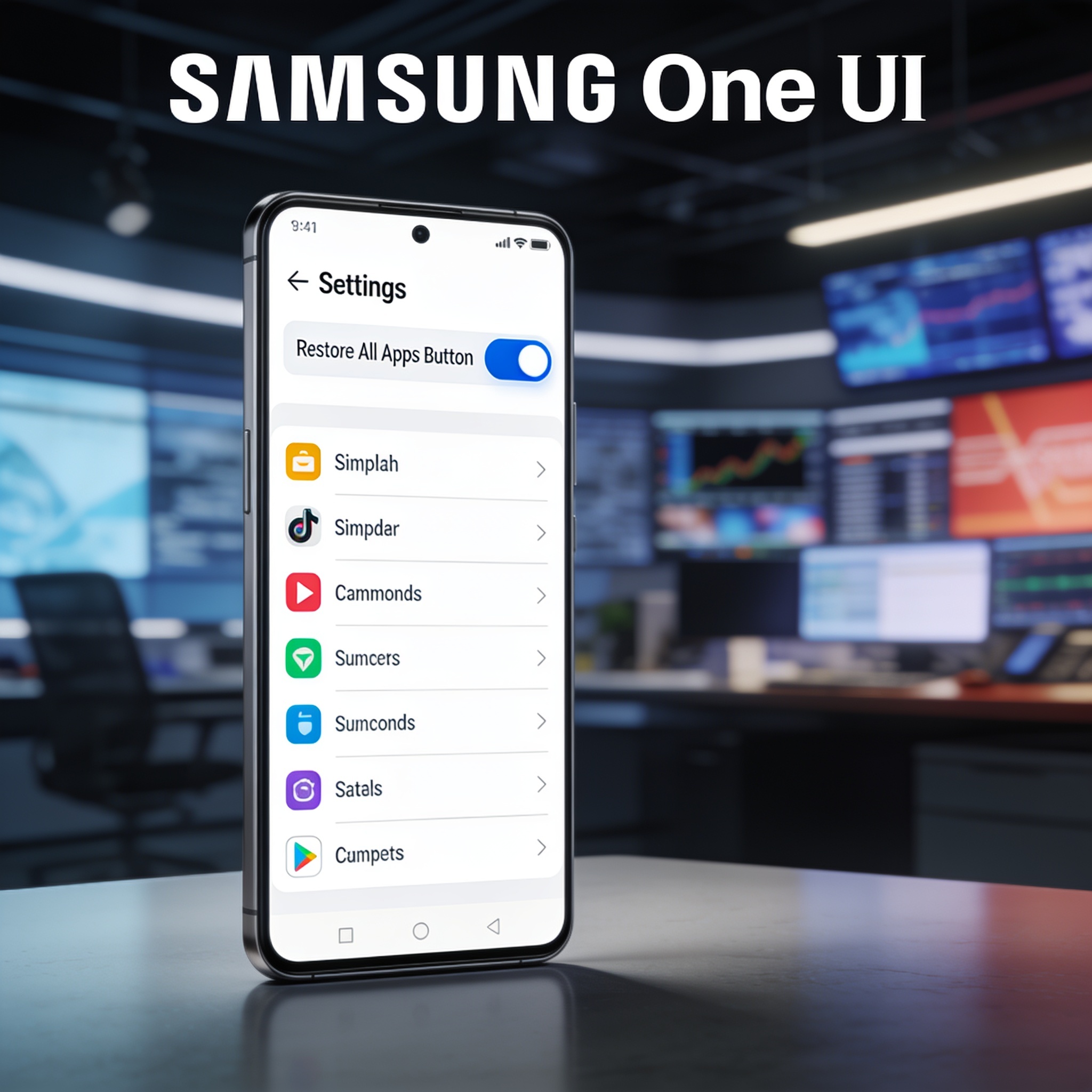
Samsung has removed the all apps button from the home screen in recent updates to its One UI software, but the company provides a way for users to bring it back. The change is part of a broader shift toward gesture-based navigation that prioritizes swiping up to access the app drawer instead of tapping a dedicated icon.
How to Restore the Button
To add the all apps button back to the Samsung Galaxy home screen in One UI 9, users must access the contextual options menu. Long-pressing a space on the home screen or pinching as if zooming out brings up several options. Tapping the Settings button, represented by a gear icon in the bottom right corner, reveals additional choices.
Scrolling down to find and toggle on the option labeled Show Apps screen button on Home screen restores the feature. After returning to the phone's home screen, the all apps button appears on the right side of the favorite apps dock at the bottom of the page. This button occupies space that could otherwise be used for an extra application in the favorites dock.
Why the Change Happened
Android traditionally tucks apps into a dedicated window called an app drawer rather than placing them all on the home screen. On modern versions of Android, including Samsung's feature-packed One UI skin, sliding up on the home screen brings up the app drawer. For years, many Android versions had an all apps button on the home screen, but that button is now essentially redundant.
Samsung has stopped showing the button on the home screen by default in recent One UI updates. Some users rely on the Apps button because they are not aware of the new swipe-up gesture or because they are simply too used to having it around and do not want to adapt.
What it means
This adjustment affects Samsung Galaxy users who prefer the traditional method of accessing their applications. Those who find the swipe-up gesture unintuitive or who have muscle memory built around tapping the button can restore the familiar interface element without installing third-party launchers or modifying system files.
The trade-off involves losing one slot in the favorite apps dock, which may matter less for users who keep most applications in the main drawer. Samsung remains the last major manufacturer still using Android 3.0 Honeycomb's three-button on-screen navigation by default, even though stock Android introduced gesture-based navigation with Android 9.0 Pie in 2018. Users who prefer gesture navigation can switch between the two methods in Settings.
Does restoring the all apps button feel like a necessary convenience or does it clutter your home screen unnecessarily?