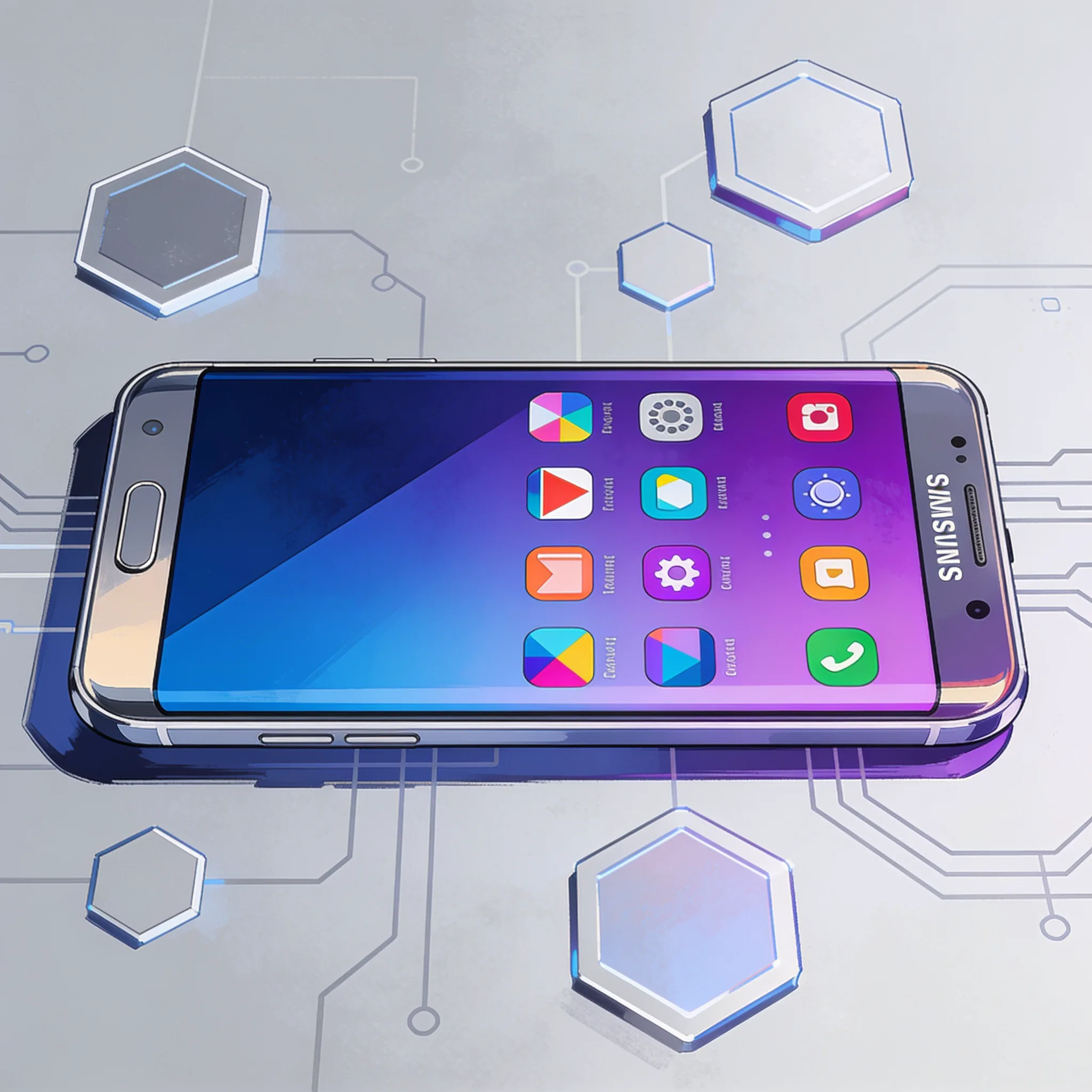
Samsung Galaxy users have multiple options to personalize the visual appearance of their smartphones beyond standard settings. The primary method for changing app icons is through the built-in Themes application. By holding an empty area on the Home screen after unlocking the device, users can tap Themes to browse available options. Once a desired theme is selected, users access the Menu option and navigate to My stuff to view downloaded Icons and Themes before hitting Apply.
While users cannot upload personal images directly as app icons, the Themes app provides a wide selection of downloadable icons within its Icons section. These changes extend beyond individual applications; themes also modify the color scheme for system apps such as Contacts, Settings, and Messages. Additionally, the Quick Panel receives a color update when these themes are applied.
For devices upgraded to One UI 9, further customization is available through a redesigned Quick Panel accessible by swiping down from the top-right corner. This feature allows users to resize elements, move them around, or delete them entirely to suit their preferences.
The Samsung Good Lock suite offers extensive control for advanced users. Available for download from the Play Store, this tool enables modifications to motion wallpapers, lock screen designs, and home screen layouts. Specific add-ons like Theme Park allow for granular adjustments, including changing the colors of individual keys, notifications, and switches in the Quick Panel. The Home Up application complements this by adding stickers, flexible placement for apps and widgets, and custom gesture animations.
Users can also adjust the overall color palette of the interface without downloading a full theme. Navigating to Settings and selecting Wallpaper and style reveals a Color palette option. Activating this switch allows users to pick from various Wallpaper colors and Basic colors that match their preferred look. Previews display how the navigation will appear with the selected colors. Applying the setting updates the color of switches in menus and buttons across system apps, offering a simple way to refresh the home screen and app drawer appearance.
What it means
This level of customization empowers Samsung Galaxy owners to tailor their devices to specific aesthetic preferences without relying on external software or third-party launchers. The ability to change icon colors and system element hues provides a way to unify the phone's look with personal style or current mood.
However, the limitations remain clear: users cannot use their own images as app icons, and the color palette feature may not affect every single icon on the device. Those seeking deeper structural changes to the interface layout may still need to utilize the Good Lock suite or other specialized tools.
What specific visual changes would you make to your Samsung Galaxy home screen if you had unlimited customization options?