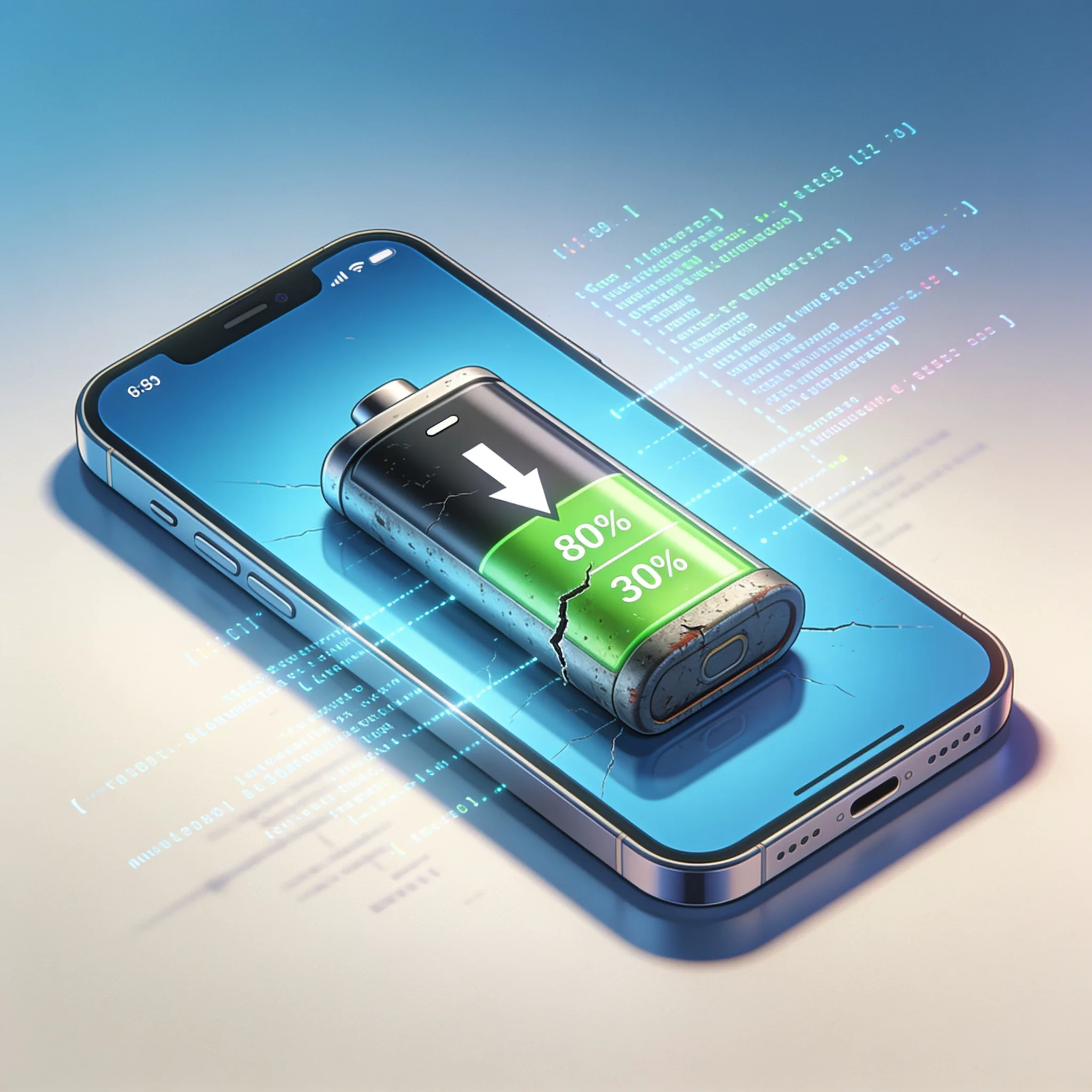
Users frequently report frustration when their smartphone battery percentage falls rapidly without heavy usage. This phenomenon often stems from inaccurate battery estimation rather than an immediate hardware failure.
Why Estimates Fail
Smartphones estimate remaining charge based on voltage and current readings. These calculations are not exact and can deviate significantly from reality. When the software recalculates the level, the displayed percentage may drop sharply instead of decreasing gradually. This behavior is more common with batteries in poor condition.
As lithium-ion batteries age chemically, they lose capacity to retain full charges. They may also struggle to provide power boosts required for demanding tasks like opening the camera or using GPS. Consequently, the device may register a much lower charge level than actually exists.
Environmental and Software Factors
Temperature plays a critical role in battery performance. Most smartphones operate effectively between 0° and 35° C (32° to 95° F). Exposure to temperatures outside this range causes significant drainage. Overheating accelerates consumption, while extreme cold can damage internal components. Users should avoid placing hot phones in refrigerators to prevent condensation.
Software updates also impact battery life temporarily. Both iOS and Android run optimization processes after installation to organize files. This indexing increases power consumption for several hours or days before returning to normal levels.
Buggy applications running in the background, particularly those accessing location services, contribute to rapid drain. Continuous GPS usage triggers frequent power spikes that deplete the battery quickly.
How to Address Drain Issues
Closing background applications often restores normal usage patterns. Limiting location access to active app use prevents constant GPS triggering. Checking battery settings reveals which apps consume the most power on both iOS and Android platforms.
Specific diagnostic tools exist for certain models. Pixel 6 and later include a Battery Diagnostics tool within Settings. Samsung Galaxy devices offer View Details under the Battery menu. iPhone users can access battery health information directly through the Settings menu.
Apple states that modern iPhones retain 80 percent of original capacity through up to 1,000 charge cycles. Devices falling below this threshold typically require replacement. Replacing a battery costs significantly less than purchasing a new phone.
What it means
Sudden battery drops indicate either calibration errors or physical degradation rather than imminent device failure. Users experiencing this issue should check battery health percentages first. If the reading exceeds 80 percent, software adjustments or temperature management may resolve the problem.
The temporary nature of post-update drain suggests patience is necessary. However, persistent rapid loss despite optimizations points toward hardware aging. Replacement becomes the practical solution when capacity falls below manufacturer specifications.
Understanding these distinctions prevents unnecessary panic over minor fluctuations while highlighting when professional intervention is required. Regular monitoring of battery health allows users to plan replacements before complete failure occurs.
Would you replace your phone's battery yourself or seek professional service when health drops below 80 percent?