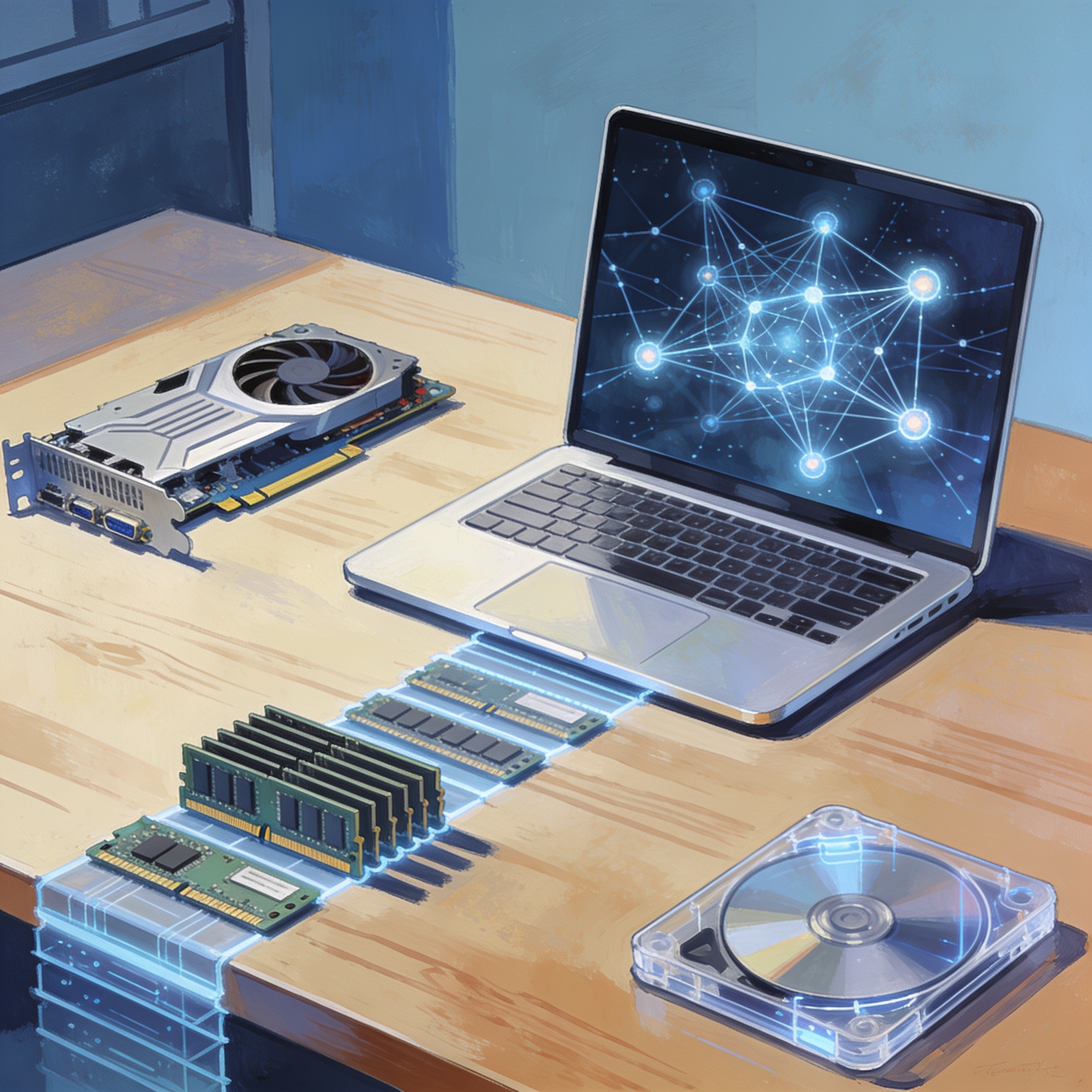
Running artificial intelligence models locally on a personal computer is possible without subscription fees or internet connectivity, but the hardware requirements vary significantly based on model size and desired performance.
Systems equipped with 16GB of RAM can execute relatively small models containing seven to eight billion parameters. Meta's Llama 3.1 8B and Alibaba's Qwen3 8B run decently fast on machines with an 8GB graphics card VRAM. However, these models fall short of frontier capabilities found in cloud-based services like ChatGPT or Claude.
Memory limits which models you can run
The memory required scales almost linearly with model size measured in billions of parameters. Most users run compressed versions that store each parameter in about four bits, reducing original size to roughly one-quarter. Ollama's library shows Llama 3.1 8B takes 4.9GB, Microsoft's Phi-4 requires 9.1GB, Google's Gemma 3 27B needs 17GB, and Meta's Llama 3.3 70B demands 43GB.
OpenAI's gpt-oss-20b uses only 3.6 billion parameters per token via mixture of experts design. While OpenAI states it runs with 16GB of memory, Ollama measures it at 14GB, consuming nearly all available space on a 16GB PC.
Bandwidth limits how fast they run
Speed depends far more on memory bandwidth than raw processing power. Graphics card VRAM operates several times faster than system RAM, meaning models fitting entirely on GPU run substantially faster than those spilling into system memory.
Anything generating five to ten tokens per second keeps pace with typical reading speed. Nvidia's RTX 5090 generated text from OpenAI's gpt-oss-20b at 205 tokens per second in LMSYS testing. Apple's base M4 chip achieved about 24 tokens per second on a 7B model according to llama.cpp benchmarks.
Nvidia's DGX Spark AI developer PC measured 38 tokens per second on Llama 3.1 8B but dropped to 4.42 on the 70B version. A test using Mistral 7B on a 2024 Asus Zenbook Duo showed CPU use reaching 52 percent and memory around 17GB when running through Ollama.
What it means
For occasional private summaries or offline coding assistance, a 16GB PC suffices. Users wanting to replace cloud chatbots will need 32GB of RAM or a graphics card with 16GB or more VRAM. A 32GB DDR5 kit costs approximately $434, nearly equivalent to two years of $20 monthly subscriptions for ChatGPT Plus or Claude Pro.
Models approaching frontier intelligence levels require data center resources rather than consumer hardware. Moonshot's Kimi K2.6 needs around 600GB of combined RAM and VRAM, while its successor Kimi K3 has weights totaling roughly 1.4TB even at compression.
Local deployment offers privacy and no subscription costs but trades off against capability and speed compared to cloud alternatives. The cost barrier for meaningful local AI remains substantial for average consumers seeking advanced features.
Would you invest in expensive hardware upgrades to run AI locally, or prefer paying monthly subscriptions for cloud access?