Users seeking their IP address have multiple options depending on whether they need the public address visible to websites or the private address used within their local network. A simple browser search for "what is my IP" on DuckDuckGo returns the public address immediately at the top of results. Websites like WhatIsMyIP.com provide similar information along with approximate location and provider details.
For those preferring command line tools, typing curl ifconfig.me into Terminal on Mac or Command Prompt on Windows displays only the public IP address without additional data.
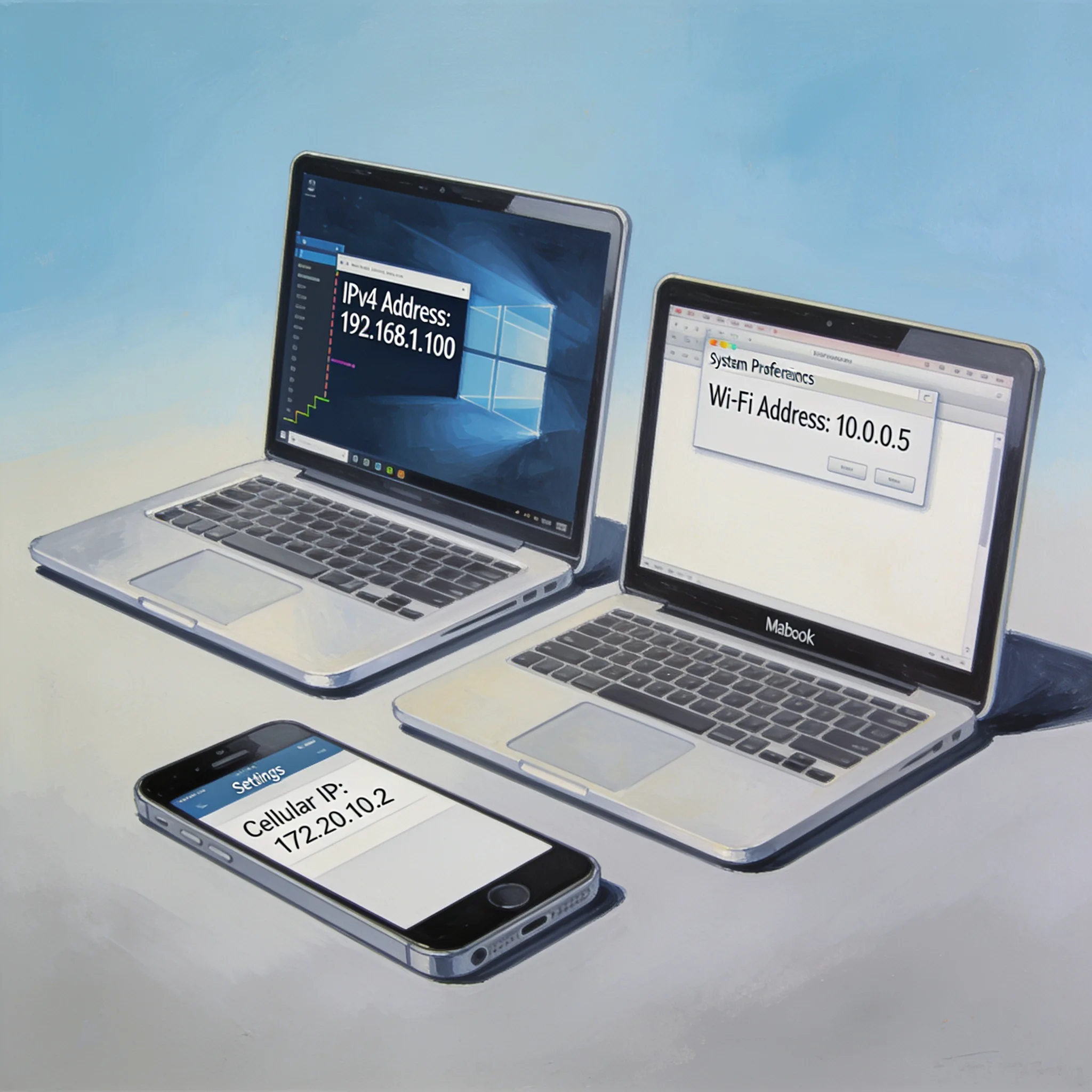
Finding the private IP requires accessing device settings. On Windows 11, users right-click the network icon in the taskbar, select Network and Internet settings, then navigate to Wi-Fi or Ethernet properties. The IPv4 address appears among technical details. Windows 10 follows a similar path, though Wi-Fi connections may require clicking Hardware properties first. Command Prompt users can type ipconfig to see the same information under the active connection section.
Mac users hold Option and click the Wi-Fi icon in the menu bar for an immediate display of both the IP and router address. Alternatively, Apple menu selections lead to System Settings, Network, Details, and the TCP/IP tab where the address resides.
Mobile devices follow comparable patterns. iPhone users open Settings, tap Wi-Fi, then the i icon next to the connected network to scroll down to the IP address. Android phones generally use Settings, Wi-Fi, then the gear icon or i symbol next to the network name. Pixel devices route through Settings, Network & internet, Internet, gear icon, and Network details. Manufacturer variations exist across different models.
The router itself holds an address often set to 192.168.1.1, 192.168.0.1, or 10.0.0.1. This Default Gateway address appears in ipconfig output on Windows and allows access to router settings pages when typed into a browser.
What it means
Knowing your IP address becomes necessary during troubleshooting sessions when internet connectivity issues arise. Service providers may request this information to determine whether problems originate from the user's equipment or their own infrastructure. The address also facilitates printer setup, game server configuration, and remote machine access arrangements.
Public addresses typically remain dynamic on home connections, changing whenever modems or routers restart. Static addresses exist but primarily serve servers hosting websites or email systems rather than individual consumer devices.
Individuals cannot look up other people's IP addresses directly from their own end. Random internet users cannot view personal addresses, and public IPs usually identify entire networks rather than specific individuals. Websites and advertisers can observe these addresses and sometimes construct profiles based on browsing patterns. Virtual Private Networks and proxies offer methods to conceal this information from such entities.
Would you prefer using browser searches or command line tools when checking your IP address, and do you worry about websites tracking your public IP?