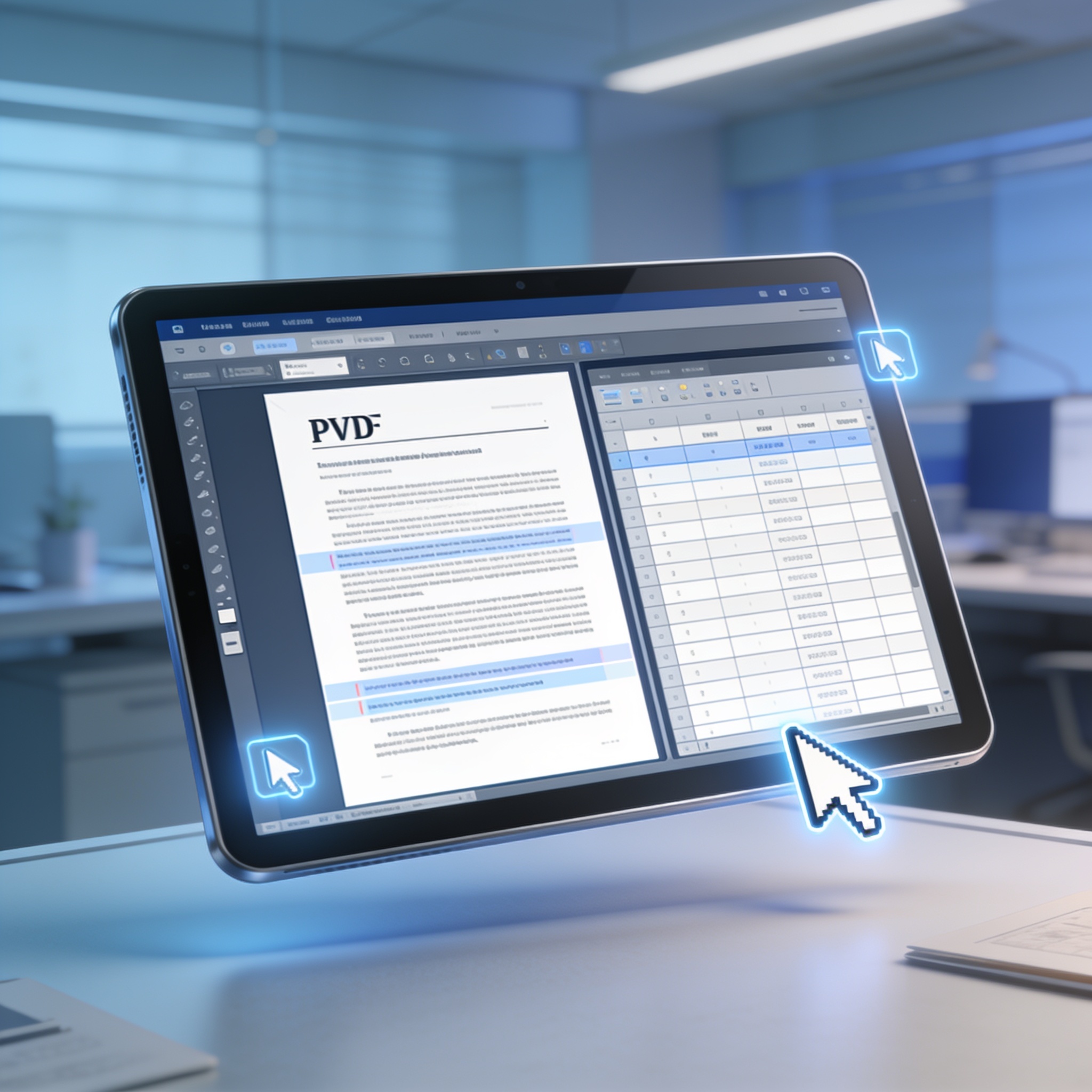
Google has updated its Gemini artificial intelligence tool to let users create, view, and edit documents directly inside chat conversations. This change eliminates the requirement to download files, modify them in separate applications, and then re-upload them to the chatbot.
The new capability was announced on Thursday, October 29, and is available to all Gemini users across supported languages and regions. Compatible file formats include PDFs, Google Docs, Sheets, slide presentations, Markdown files, TXT documents, and code.
Users can open files in an expanded view to make manual edits or select specific sections to request AI modifications. It is also possible to highlight portions of a document and ask questions about the content. For instance, a user can generate a presentation, review the structure, and request text or visual changes without leaving the interface.
While PDF editing works on both web and mobile versions, other formats like documents, spreadsheets, and code can currently only be edited directly through the browser version. After making changes, files can be opened in Google tools or downloaded in compatible formats.
This development aligns with broader industry trends where companies like Anthropic are integrating similar document creation and editing features into their own AI assistants. The goal is to transform chatbots into environments where users can complete tasks without constantly switching between applications.




Leave a comment
Your comment appears after you verify your email. We replace % $ { } [ ] < > with periods and display the text safely.
Published comments (0)
No comments yet. Start the conversation.